How to Make a Down Payment to an MGA/Wholesaler on Outside Financed Agency Bill Policy
Last updated: July 21, 2025
This is a guide that will teach you:
How to use Ascend to pay the MGA/carrier once you've collected the down payment on an agency bill policy
Agency Bill with Ascend
When an MGA, wholesaler, or carrier you work with uses Ascend for their billing, you have the ability to submit a partial payment on an agency bill invoice once you have financed the policy and collected the down payment.
How-to Guide
Step-by-step Guide
Visit dashboard.useascend.com and log in with your email address
If you are unable to log in, please contact [email protected]
Visit the "Balance" tab, where you'll see a list of all of your outstanding invoices for that MGA, wholesaler, or carrier

Click on the invoice you want to make a partial payment for, which will open up a sidebar on the right hand side of your screen.
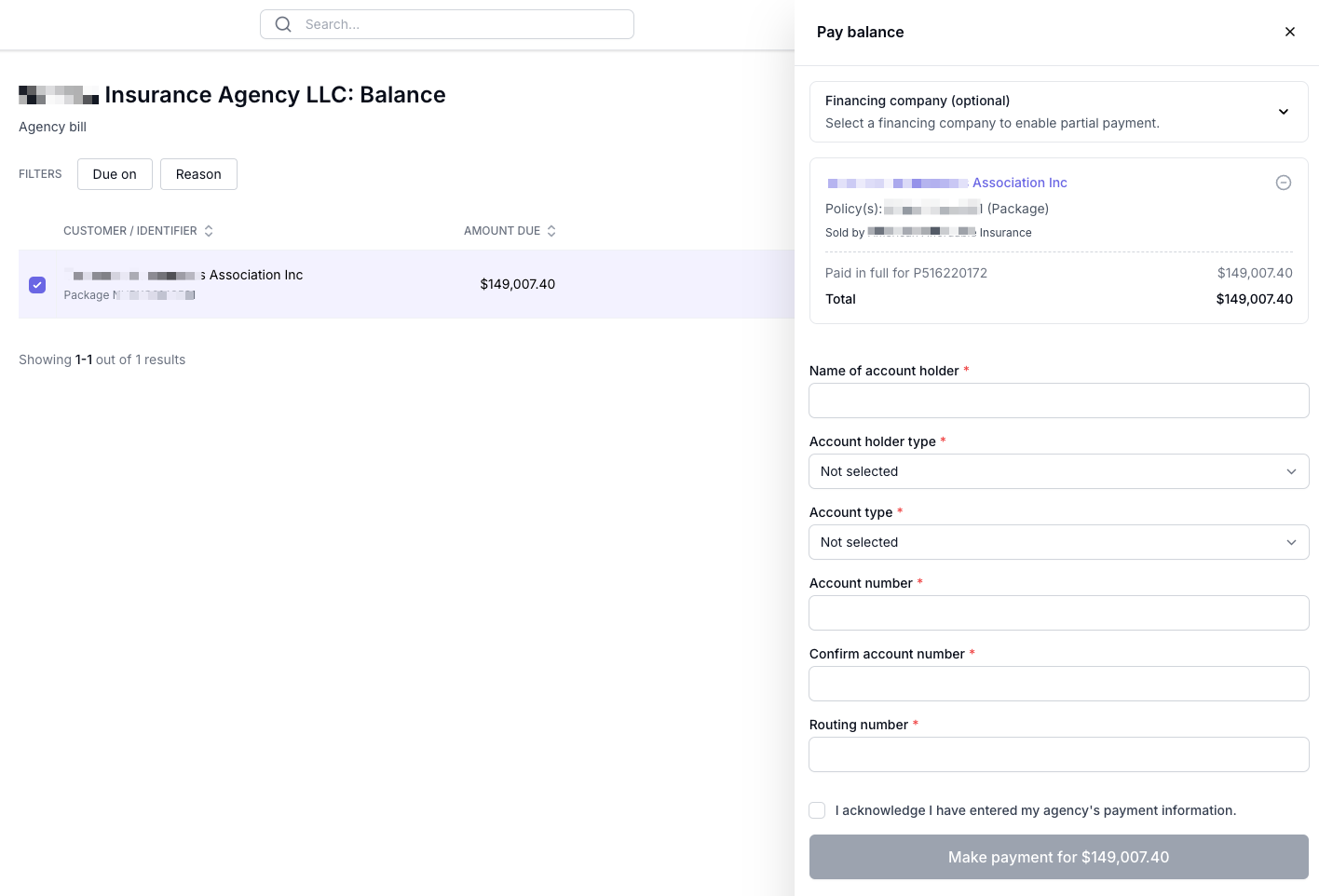
At the top of the sidebar, select the finance company that you financed with
If you do not see the finance company you worked with, please email [email protected] and we will add it for you!
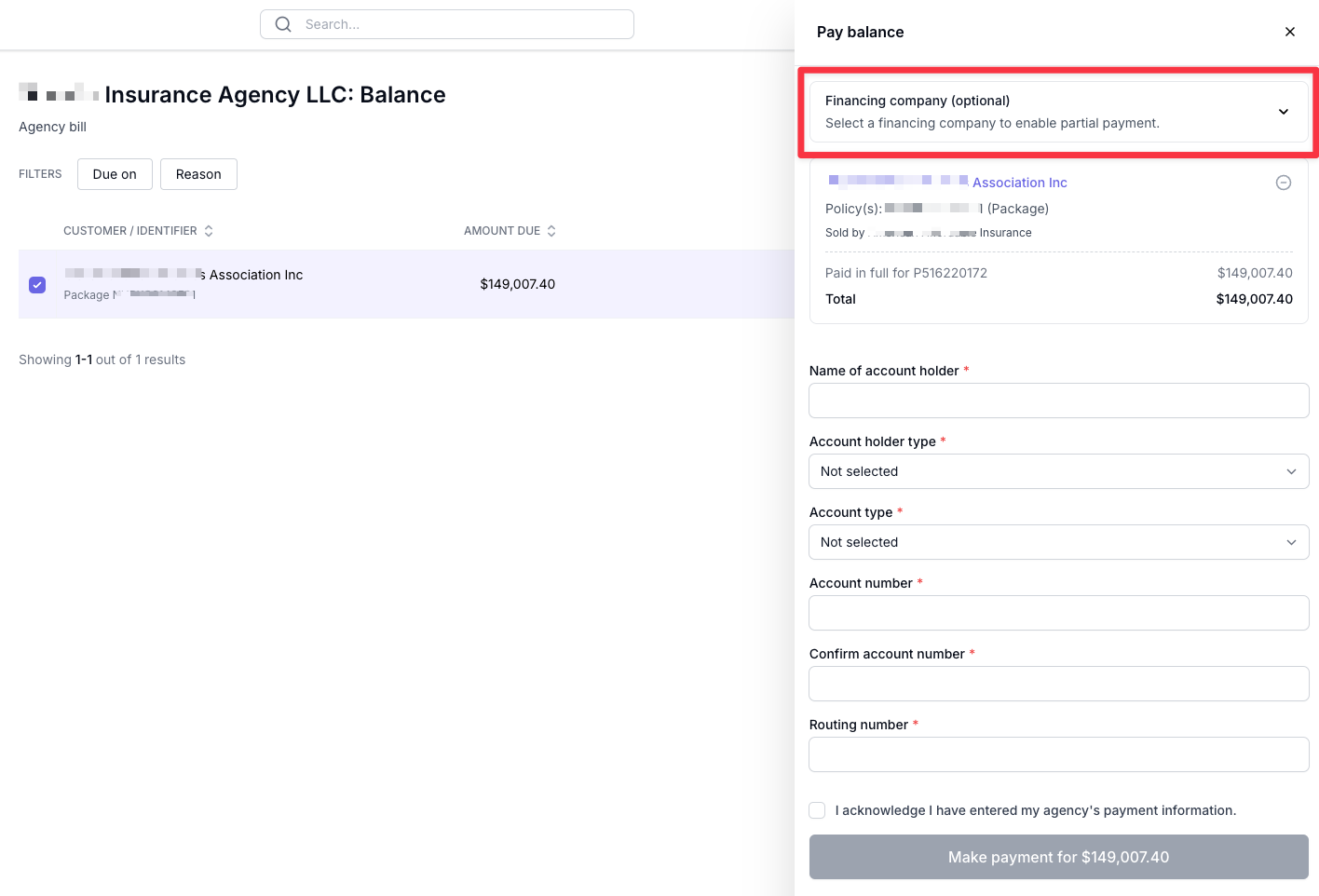
Once the finance company has been selected, click "Make a partial payment"
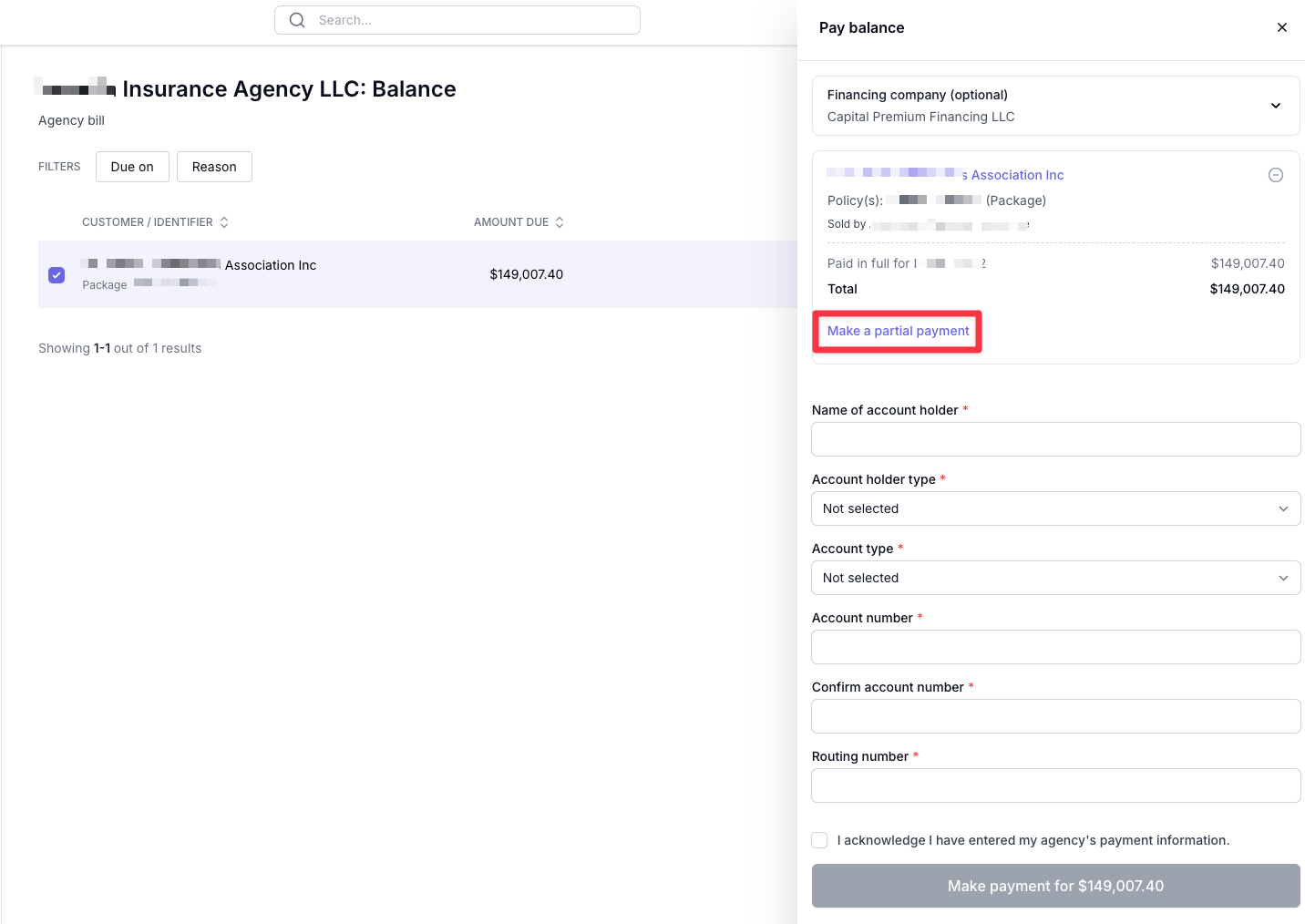
Then, enter the amount of the down payment you are paying, enter your agency's payment information
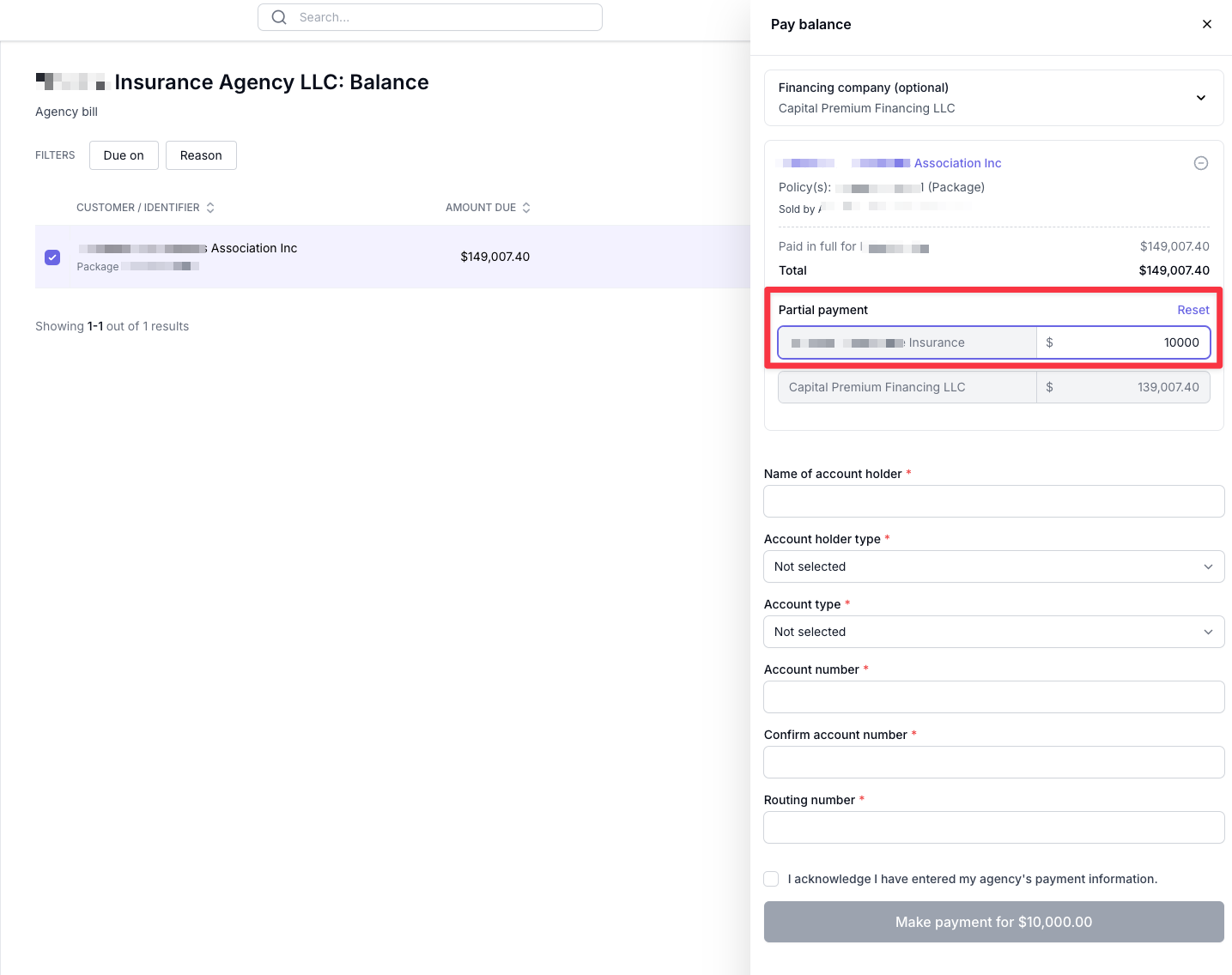
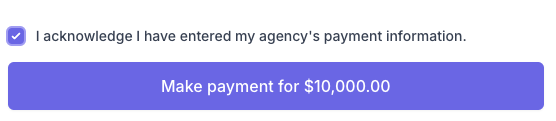
Lastly, enter your agency's bank account information and click "Make payment"
If you want to save your agency's payment information in Ascend, which will allow you to re-use it in the future, see this guide!
Contact Us
Need more help? Contact us at [email protected] for more help.