Adding Users from your Agency
Last updated: June 18, 2025
This is a guide that will teach you:
How to add users from your Agency in to the Ascend platform
Who is Ascend?
Ascend works with a number of leading MGAs and wholesalers who use Ascend to power agency bill and direct bill insured offerings. If you place business with these companies, you can expect to receive login information for these companies.
Adding a New User
You must be an admin level user at your organization in order to create new users.
If you are unable to see this page contact an admin at your company or the MGA/Wholesaler who is attached to your account.
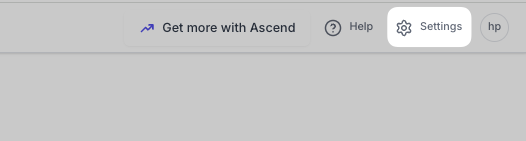
Select the settings button in the top right of the dashboard
From the settings page select Users then Add new

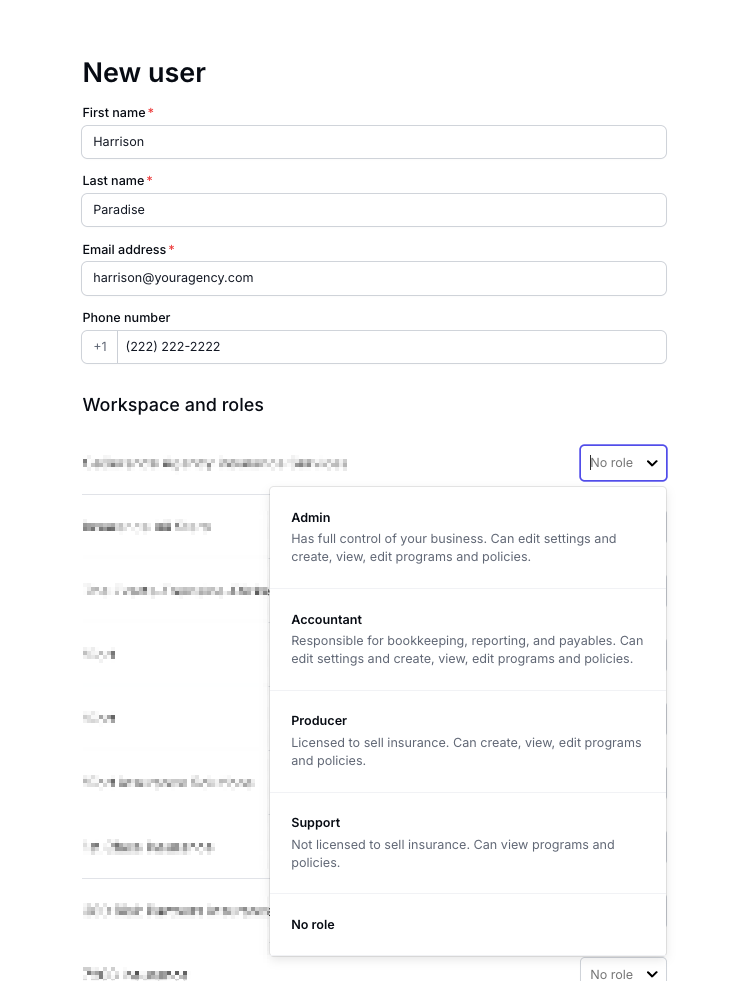
Fill in the user details and select their role
Contact Us
Need more help? Contact us at [email protected] for more help.