Automated Emails Sent to your Agency from Ascend
Last updated: April 29, 2026
This is a guide that will teach you:
Overview of automated emails sent to you and why
Ascend sends automated emails at key points in the payment lifecycle — when payments are received, when invoices are coming due, when something needs your attention, and more. This article explains what emails you can expect, when they're sent, and who receives them.
Transactional Emails
When a payment is made on a policy, Ascend automatically notifies the Account Manager on file and the insured after the payment is successful. These emails are sent in real time as payments are processed.
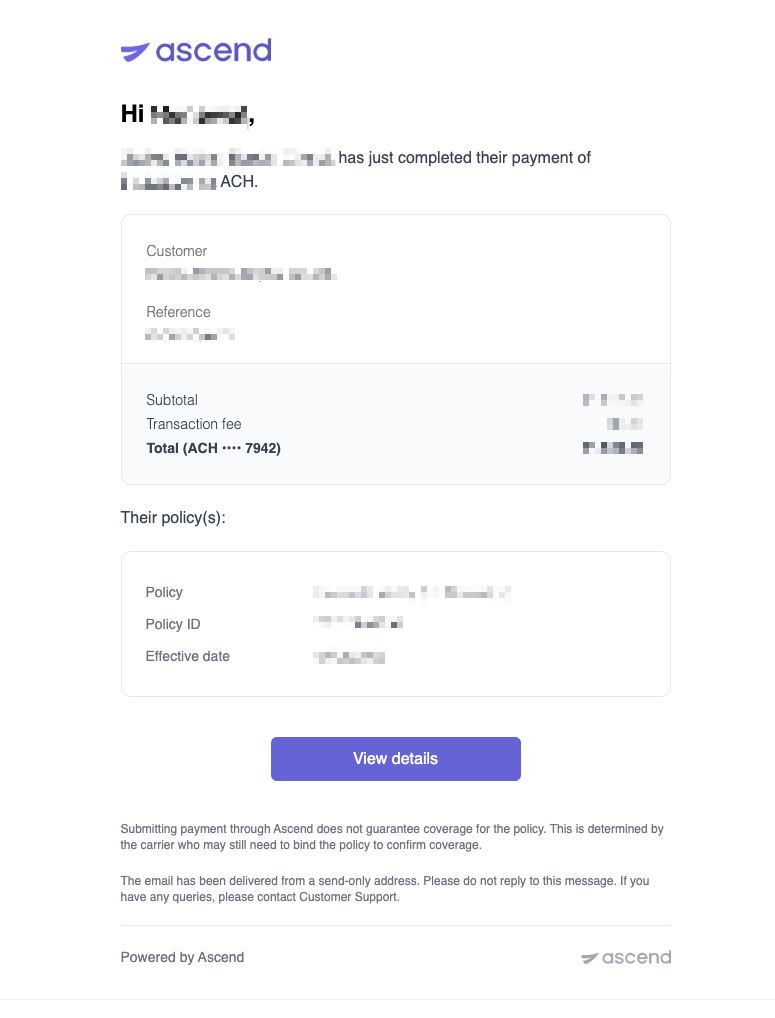
Payment Confirmation — Sent to the insured, account manager, and any additional email recipient on the program when a payment successfully clears (ACH and credit card).
Example: Payment Confirmation Email
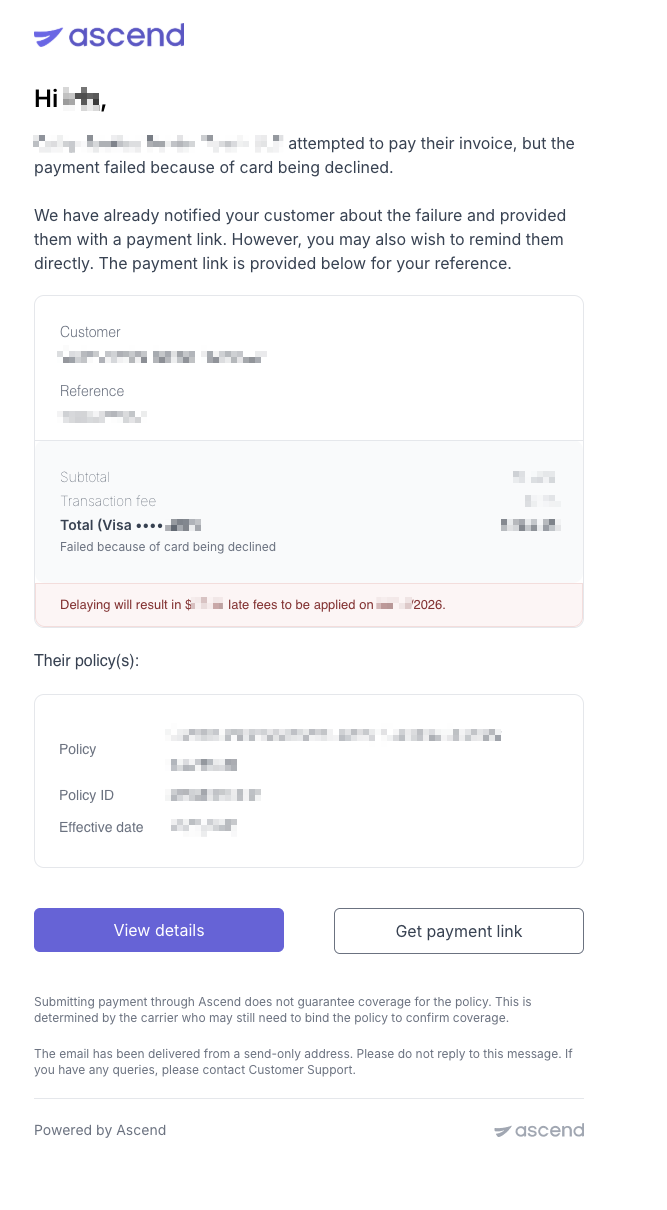
Payment Failed — Sent to the insured, account manager, and any additional email recipient on the program (card declined, insufficient funds, etc.).
For additional information regarding why a payment failed, please reach out to [email protected]
Example: Payment Failed Email
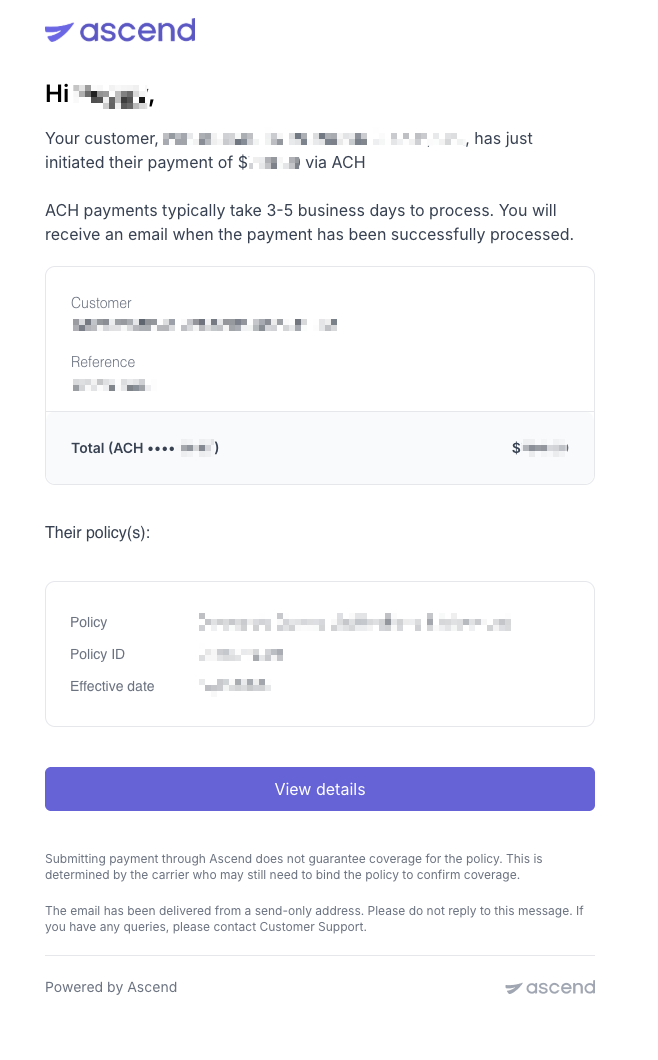
Payment Processing (ACH) — Sent to the insured, account manager, and any additional email recipient on the program when a payment is initiated but not yet settled.
Example: Payment Processing Email
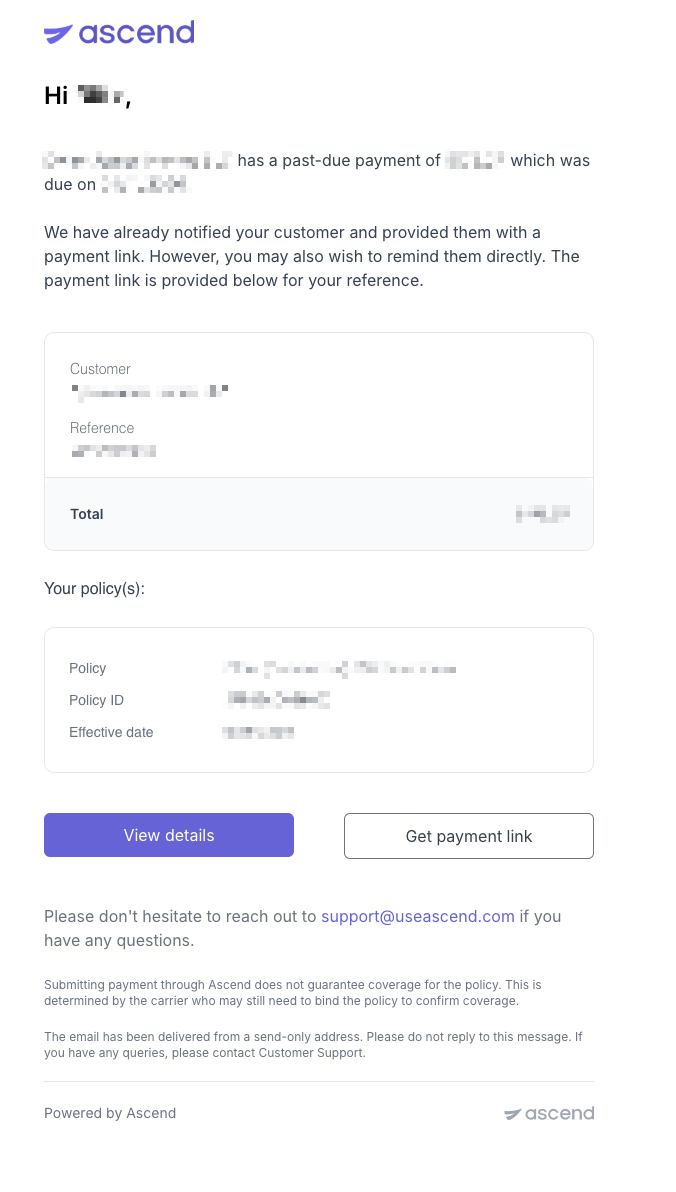
Payment Overdue — Sent to the insured and account manager when a payment is overdue.
Example: Payment Overdue Email
Premium Financing & Loan Emails
For premium-financed policies, Ascend sends automated emails at defined points in the loan lifecycle, including pending cancelations, cancelations, and reinstatement notices.
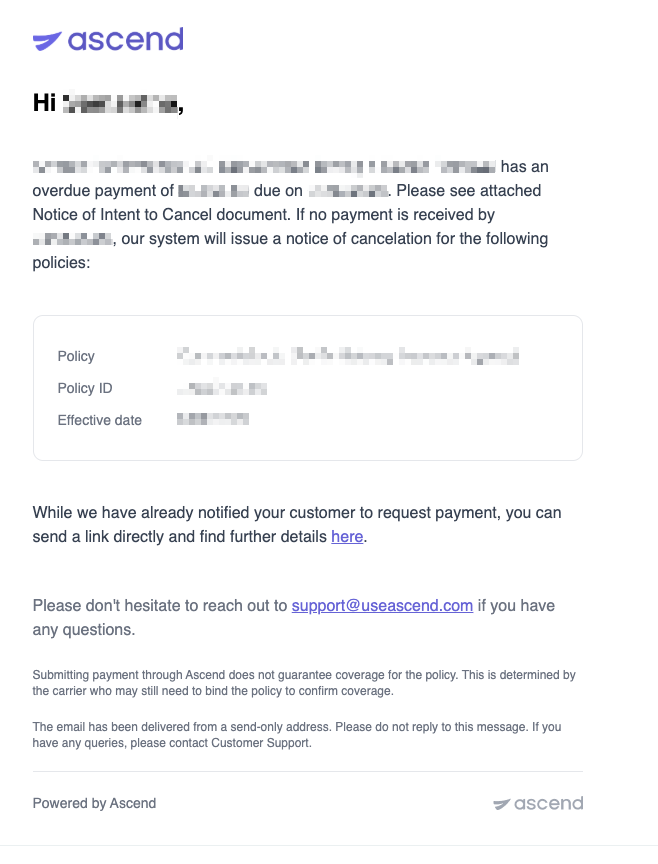
Pending Cancelation — Sent to the insured and account manager when a policy is at risk of cancelation due to non-payment. A Notice of Intent to Cancel PDF is attached when available. Follow-up reminders are sent 1 and 2 days after the pending cancelation date.
Example: Pending Cancelation Email
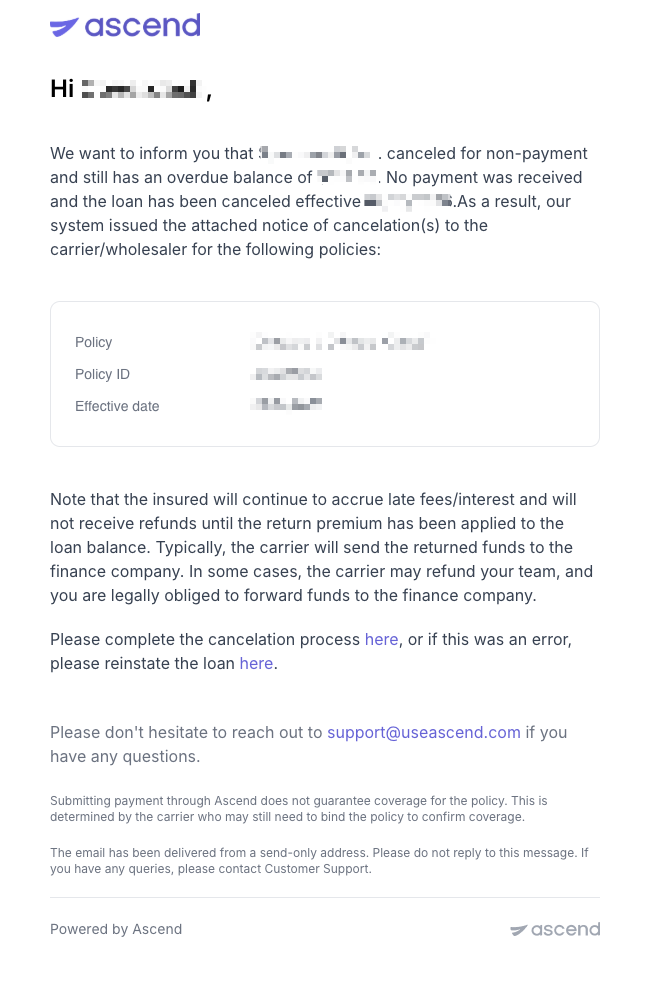
Canceled (Non-Payment) — Sent to the insured, account manager, and producer/billing users when a policy is canceled due to non-payment. A Notice of Cancelation PDF is attached when available.
Example: Canceled (Non-Payment) Email
Reinstatement Requested — Sent to the insured and account manager when a previously canceled or pending-cancelation policy is reinstated after payment is received. A Notice of Reinstatement PDF is attached when available.
Example: Reinstatement Confirmed Email
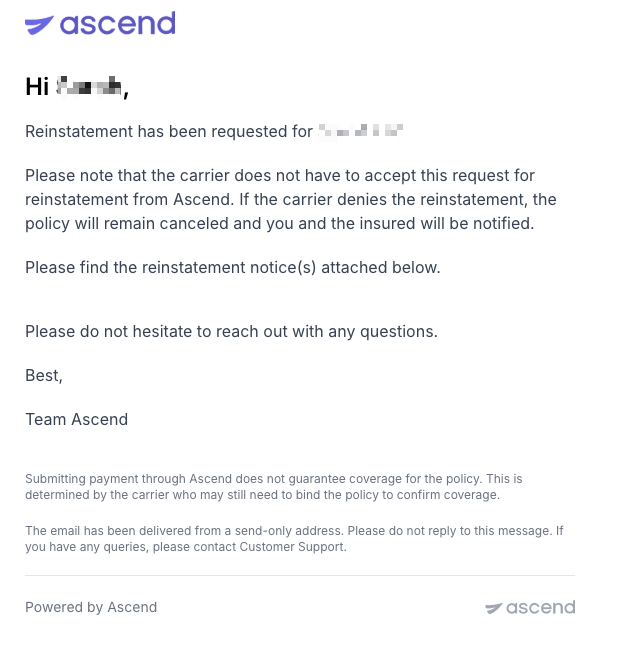
Note: A reinstatement request submitted through Ascend does not guarantee approval from the carrier. Before collecting payment from the insured, please confirm with the carrier, wholesaler, or MGA that they will accept the reinstatement.
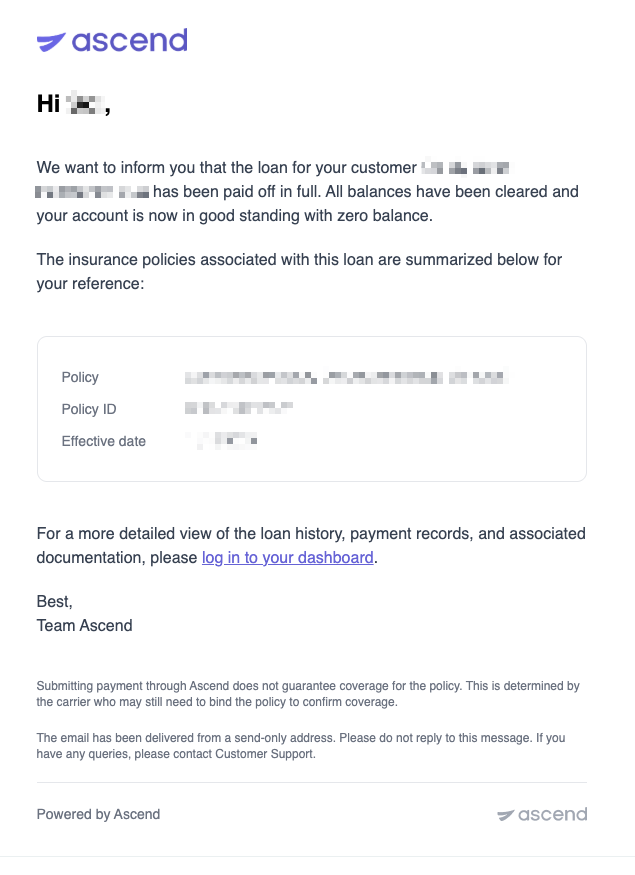
Loan Paid Off — Sent to the insured and account manager when all loan payments have been completed.
Example: Loan Paid Off Email
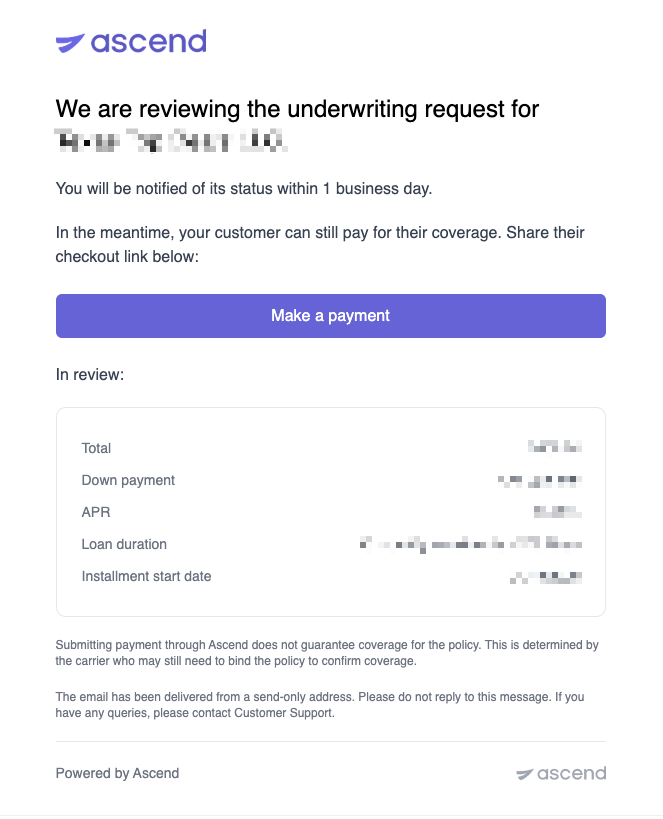
Custom Loan Terms Requested — When custom loan terms are requested, the on-file account manager is notified.
Example: Custom Loan Terms Request
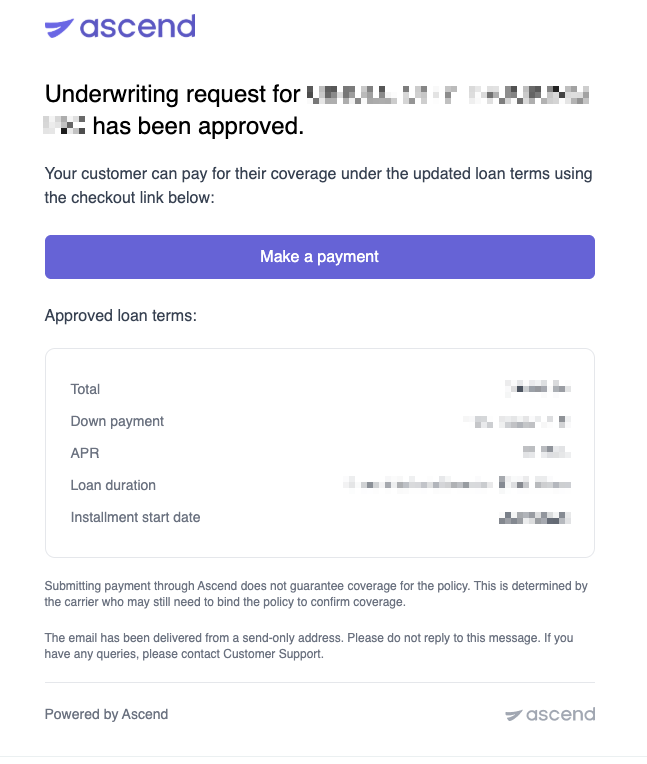
Custom Loan Terms Approved — When custom loan terms are accepted, the on-file account manager is notified.
Example: Custom Loan Terms Approved
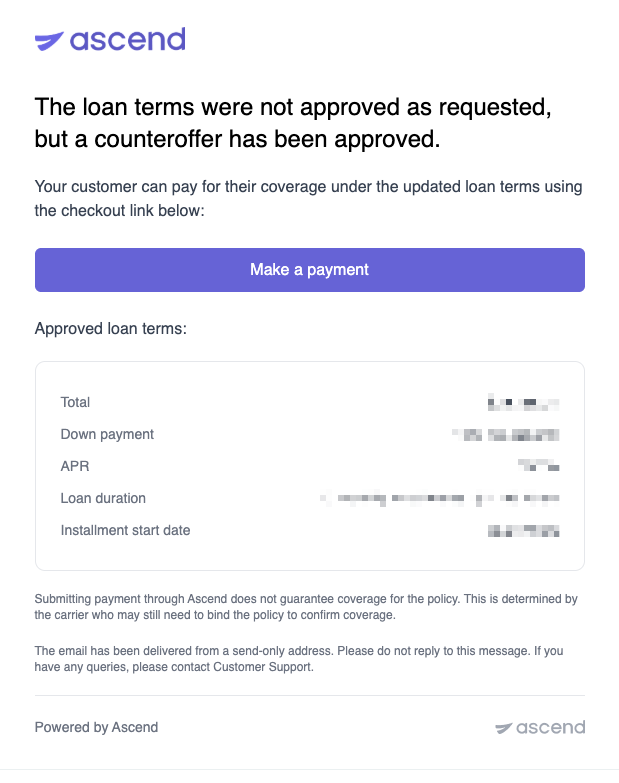
Custom Loan Terms Counteroffer — When a counteroffer to the requested loan terms is sent, the on-file account manager is notified.
Example: Counteroffer
Refund Emails
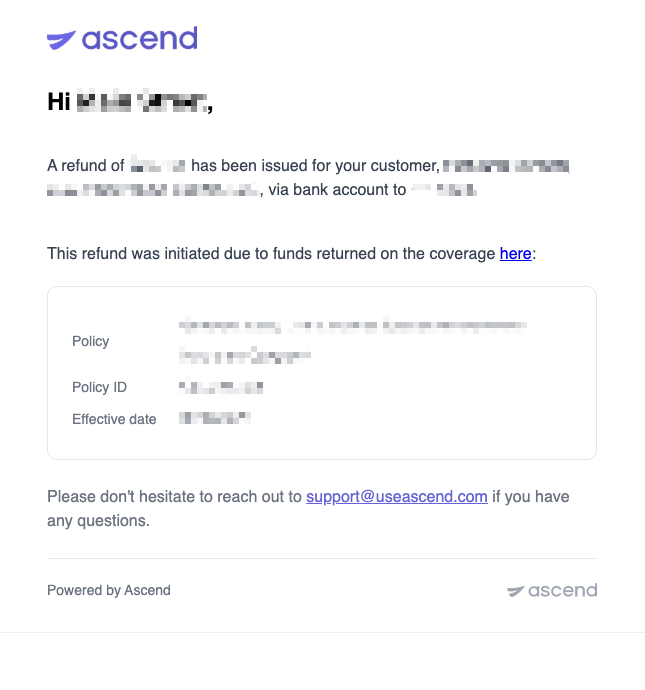
Refund Initiated — Sent to the insured and account manager when a refund is being processed.
Example: Refund Initiated Email
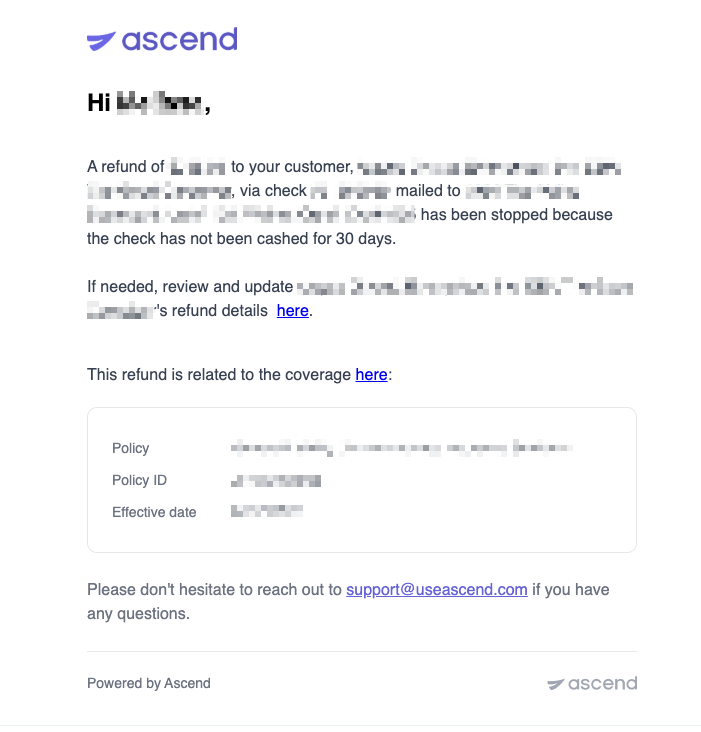
Refund Stopped — Sent to the insured and account manager if a refund is canceled or stopped before it completes.
Example: Refund Stopped Email
Dispute Emails
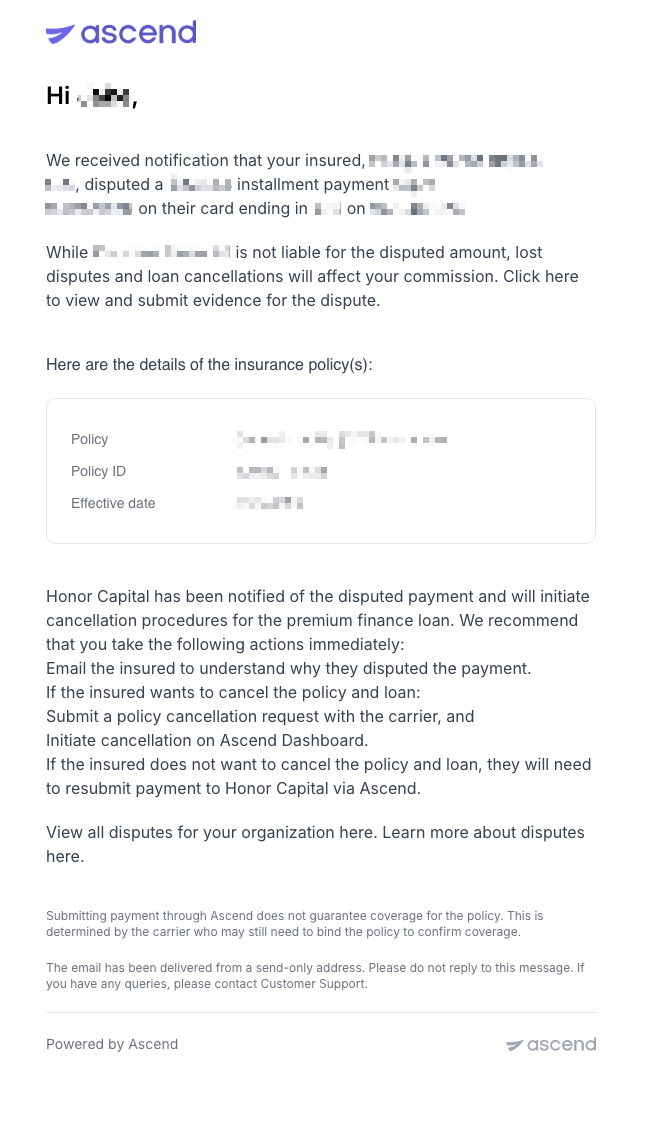
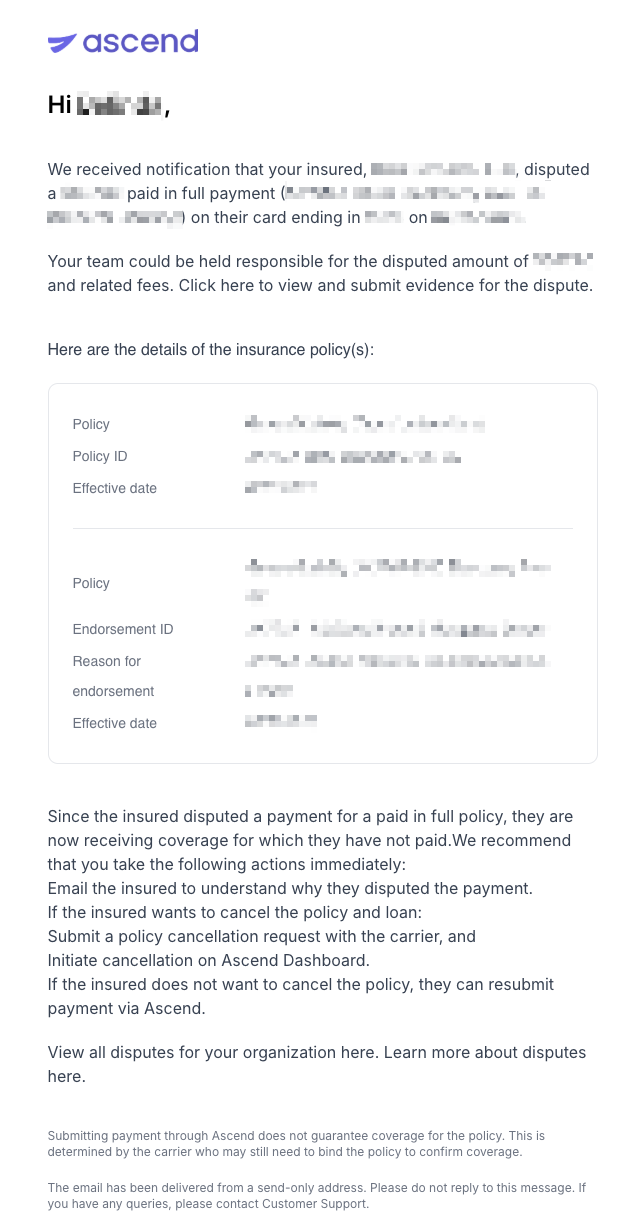
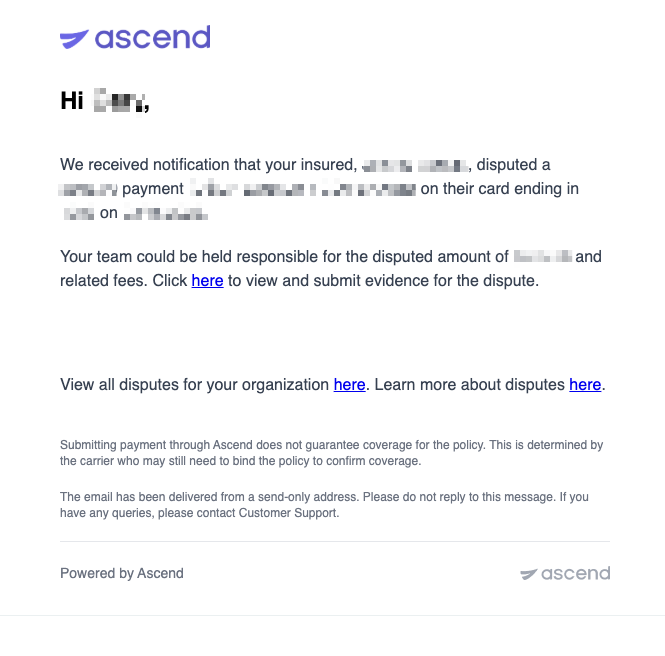
If an insured disputes a charge with their bank, Ascend notifies the relevant parties.
Dispute Created — Sent to the insured, account manager, and producer/billing users when a chargeback is filed.
Example: Dispute Created Email - Downpayment/Installment
Example: Dispute Created Email - Paid in Full Program
Example: Dispute Created Email - One-Time Payment
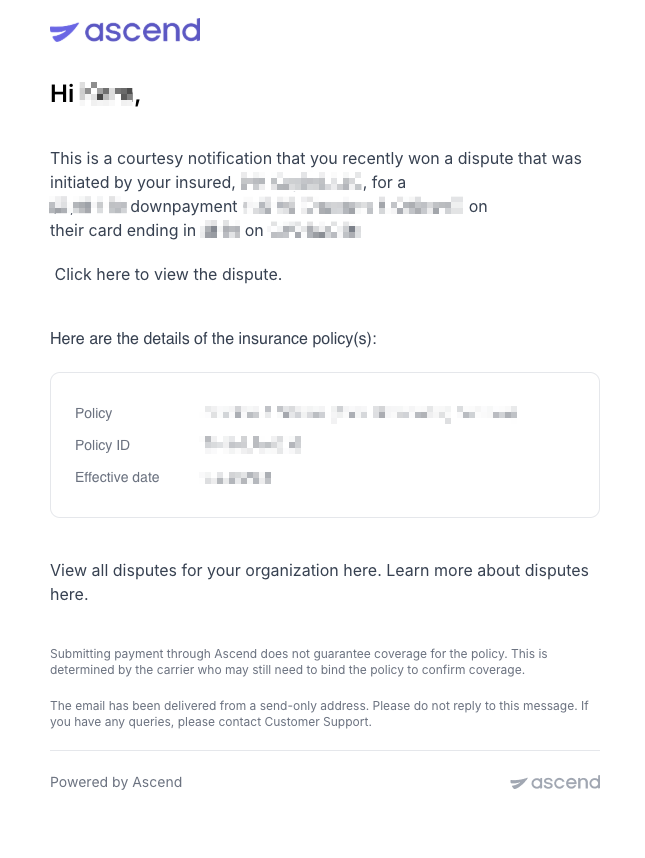
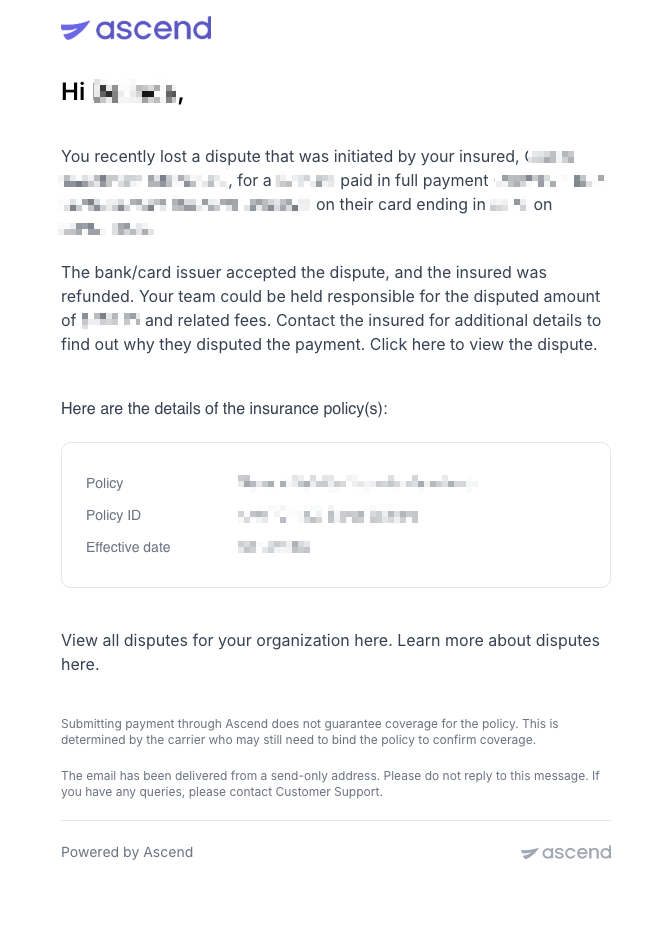
Dispute Closed — Sent to the account manager when a dispute is resolved (won or lost). The insured is only notified when the dispute is first created, not when it closes.
Example: Dispute Closed Email (Won)
Example: Dispute Closed Email (Lost)
Who Receives Each Email
Ascend determines who receives each email based on their role in the policy or organization.
Insured / Payer — The policyholder or business responsible for payment. All contacts on file for the insured will receive these emails.
Account Manager — The Ascend account manager assigned to your organization, plus any secondary account manager.
Accountants — Users at your organization tagged for accountants. These users receive cancelation collection and return premium emails. If no one is tagged, these emails fall back to admins.
Additional Recipients — Users who are manually added as an additional communication recipient on the program. These users receive the same emails as the Account Managers.
Frequently Asked Questions
Q: Which emails will I receive vs. those of my insured?
Many emails sent to agents are also sent to the insured. For a full overview of all the email communications sent to the insured, please refer to our article [Automated Emails to Your Customers by Ascend →].
Contact Us
Need more help? Contact us at [email protected] for more help.