Accounting Settings
Last updated: September 11, 2026
This is a guide that will teach you:
How to configure the default Accounting settings for one-time payments
How to configure the default Accounting settings for refund approvals
How to override the default Accounting settings for one-time payments
Overview
The Accounting Settings feature enables your team to customize certain accounting rules for your agency workspace.
This feature is only available to users with Admin or Accounting permissions
Configuring the Accounting Settings
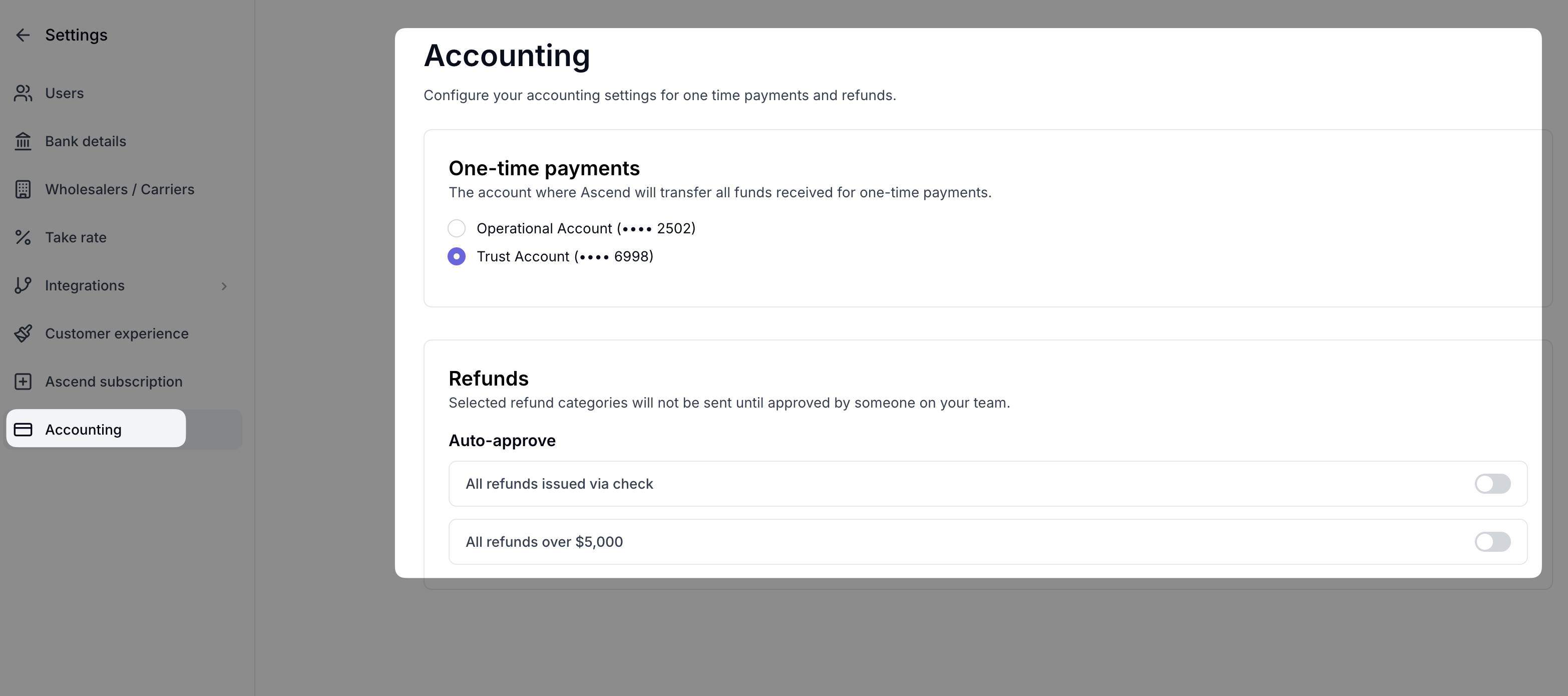
To configure the Accounting Settings for your workspace, click on the Settings icon in the upper right of your dashboard and select Accounting:
One-time Payments
This configuration allows you to select the default bank account (Operational or Trust) for the funds distribution for one-time payments.
Refunds
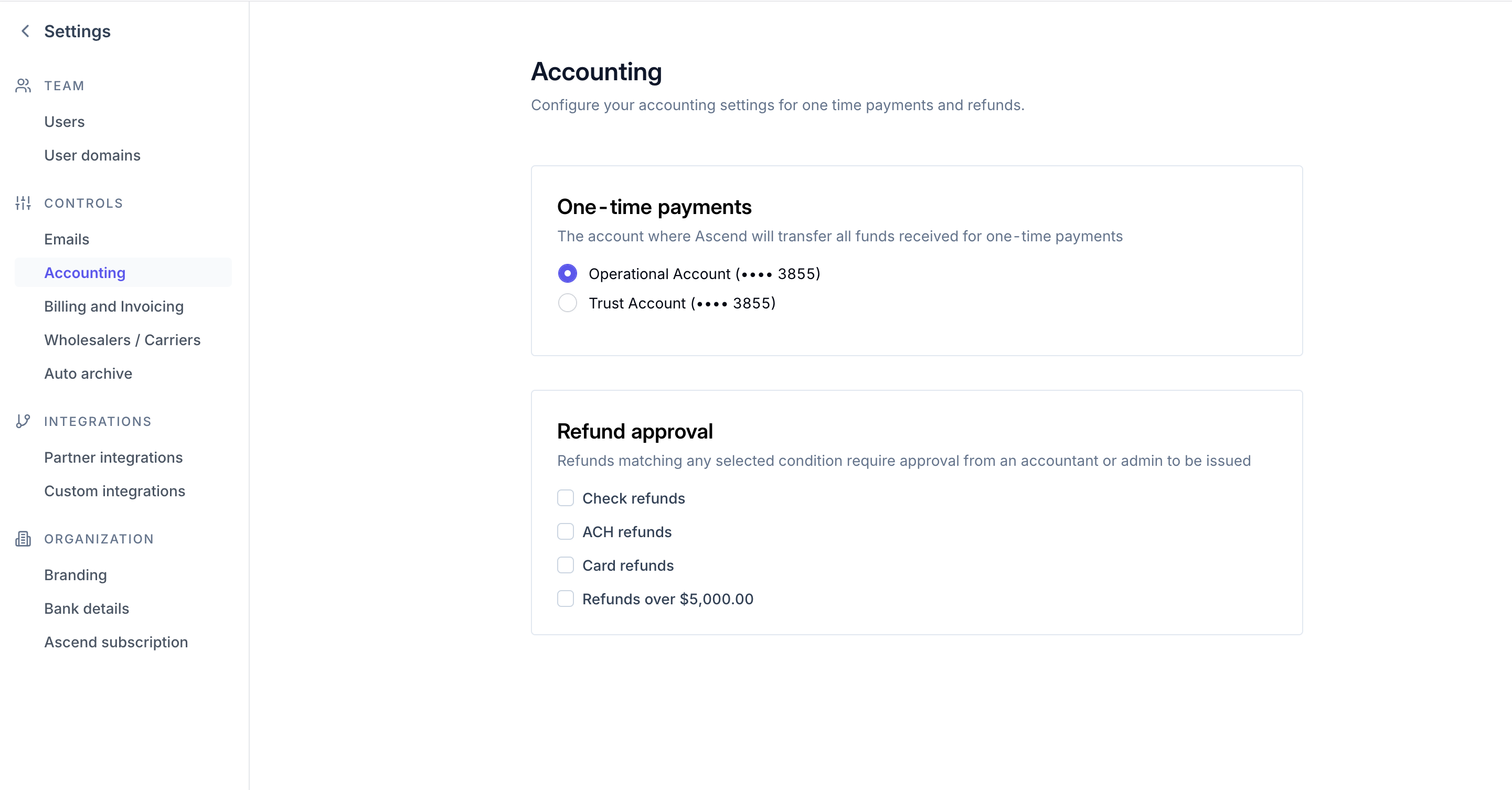
This configuration allows you to create an approvals workflow for all refunds, refunds being sent via certain payment methods, or refunds over $5,000. When the toggle is off (gray) those refund types will be auto-approved, when the toggle is on (blue) those refund types will require approval.
Refunds requiring approval will have a "Pending approval" status, and Admin/Accounting users will receive an email reminder when there are refunds pending approval:
Overriding the Accounting Settings for One-time payments
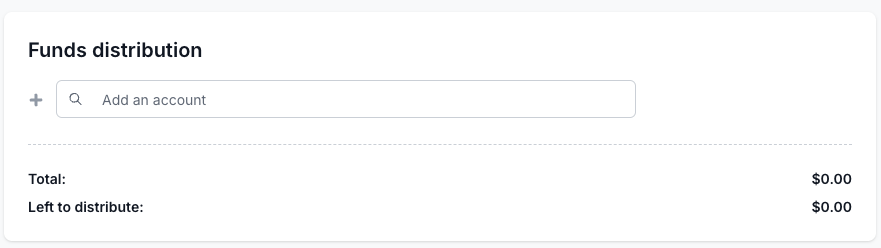
When creating a one-time payment or installment plan, you can override the default Accounting Settings by selecting a different account in the Funds distribution section:
Contact Us
Need more help? Contact us at [email protected] for more help.