Custom Views
Last updated: September 19, 2026
This is a guide that will teach you how to create Custom views in:
Entries View of the Documents Dashboard
AMS Payables Dashboard.
Overview
Custom Views allow you to save personalized filters, making it easier to quickly access the information most relevant to you.
This feature is currently available in:
The Entries view of the Documents Dashboard
The AMS Payables Dashboard
Custom Views in the Entries View
Navigate to the Entries View of the Documents Dashboard.
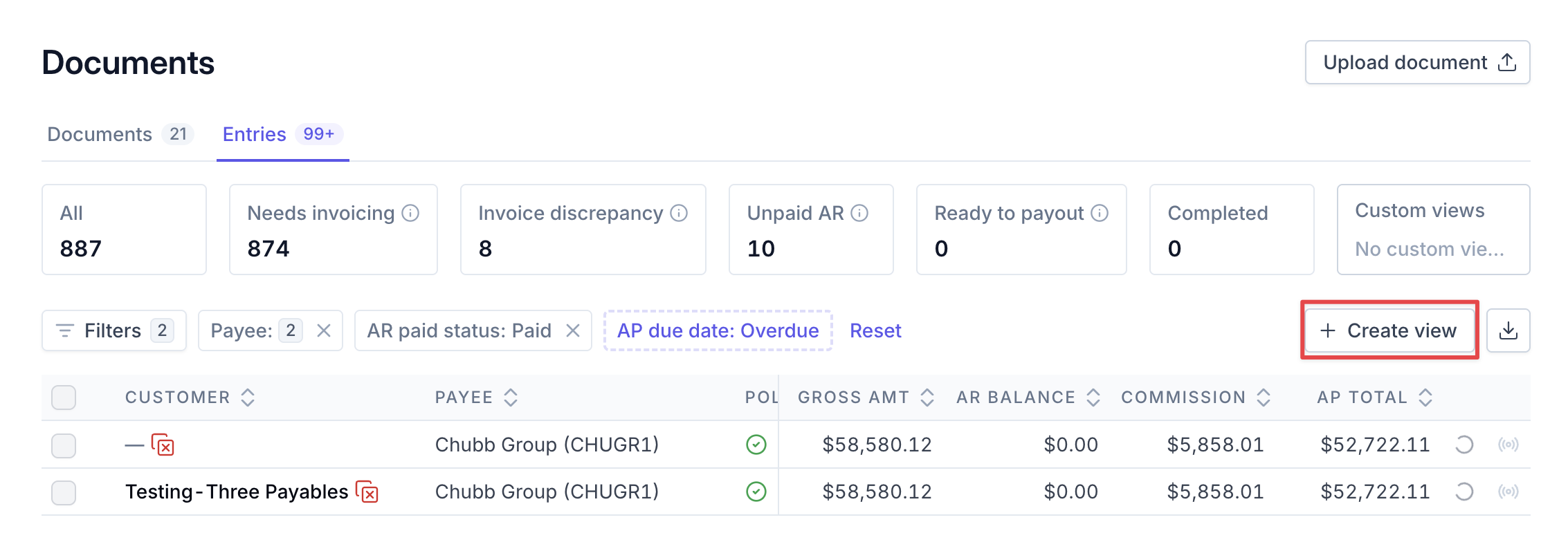
Once you have the filters you'd like in your custom view, click Create view.
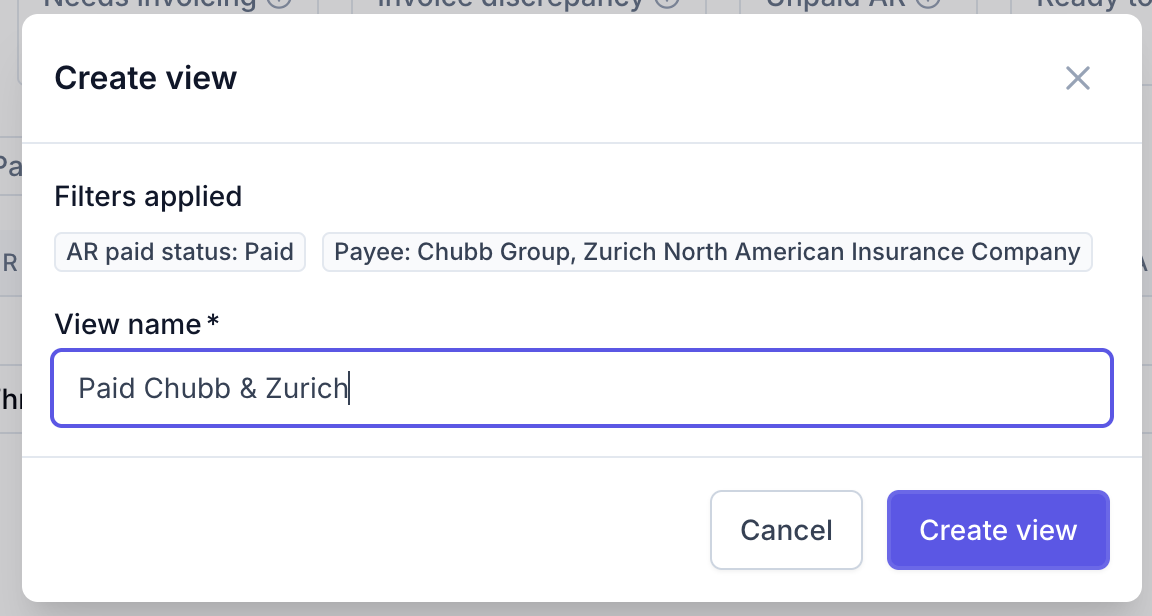
A pop-up will appear with a summary of the filters that will be included in your custom view, along with a box to name the view. Enter your preferred view name.
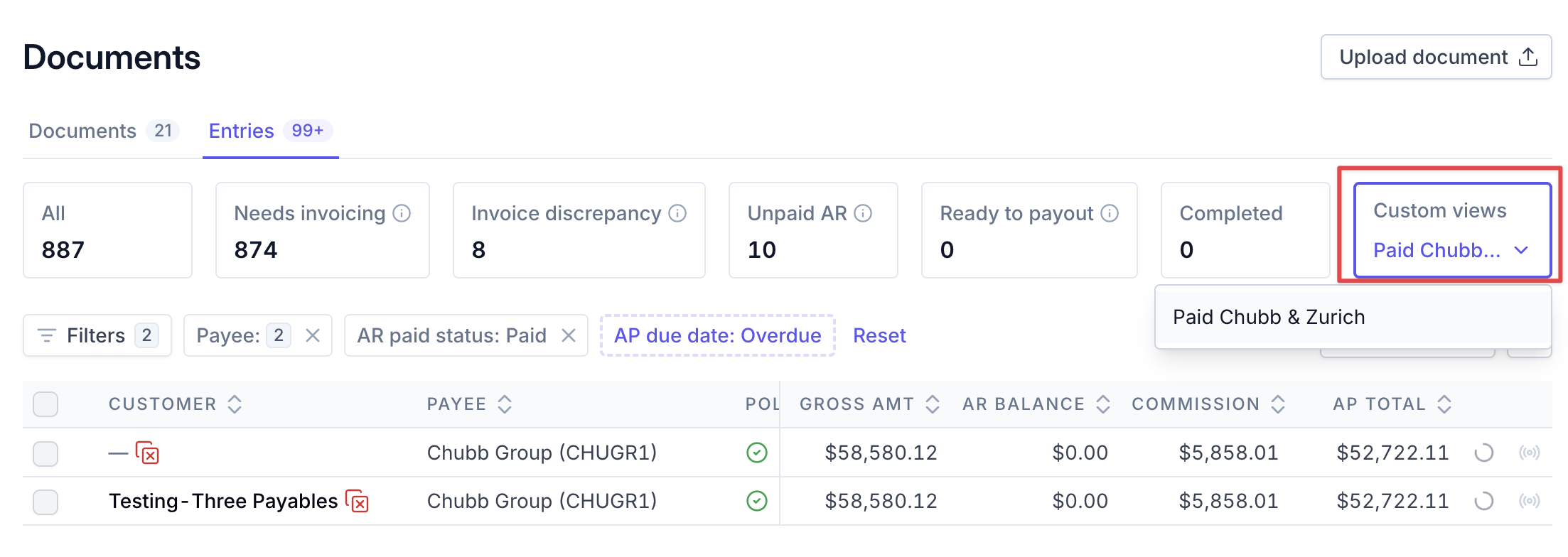
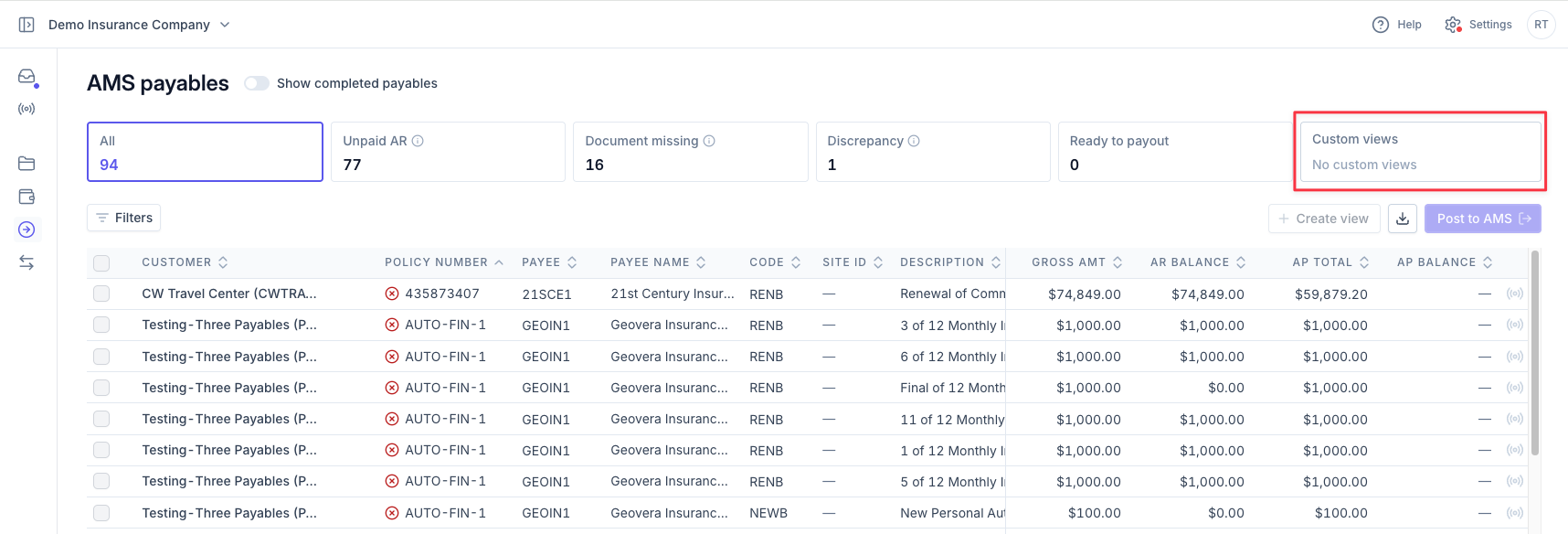
Access all of your custom views from the Custom Views filter box.
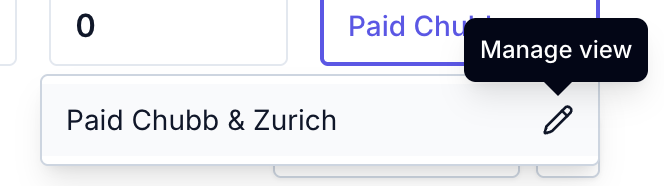
Hover over an existing view and click the pencil icon to either rename or delete the view.
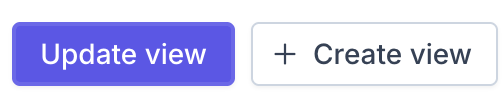
If you make a change while working in a view, you'll have the option to either Update the View or create a new view.
Custom Views in AMS Payables
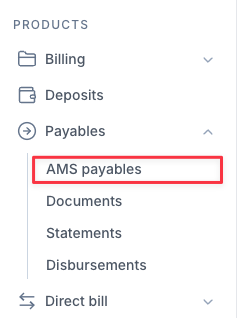
Navigate to the AMS Payables Dashboard.
Repeat the steps above to create a custom view.
Contact Us
Need more help? Contact us at [email protected] for more help.