Splitting Entries
Last updated: July 4, 2026
This is a guide that will teach you how to Split Statement Payables
Click on an entry that has the stacked transactions icon to open the Matching Drawer.

Once open, use the checkboxes in the Statement transactions section to indicate which transaction(s) you would like to split.
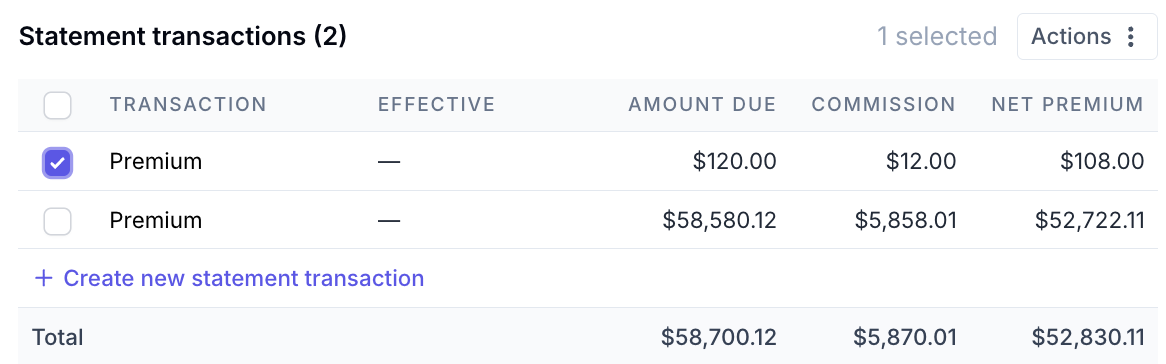
Once selected, click on Actions.

Click Split.

Confirm the details in the Create new split entry pop-up.
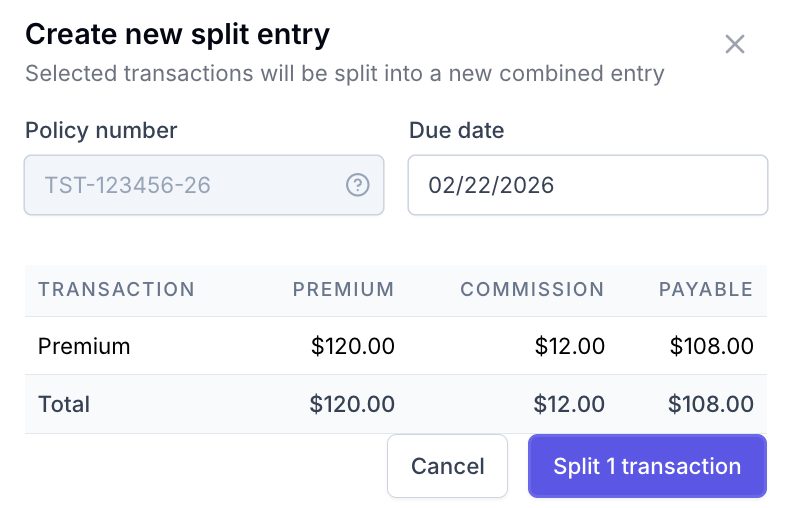
Select Split 1 transaction.
Proceed with matching/posting entries as needed.
Contact Us
Need more help? Contact us at [email protected] for more help.