Installment Plans Quick-Start Guide
Last updated: July 24, 2026
This is a guide that will teach you:
Overview
How to create an installment plan
Installment plan payment timeline
Email Notifications for installment plans
Frequently Asked Questions
Installment plan overview
Installment plans are recurring payments made from a client to your organization or a designated recipient. Please note that installment plans cannot be financed, only Programs can be financed.
This feature should only be used for agency bill policies that are installment-billed by the carrier. If you are unsure if this is the right feature to use, please contact your accounting team or [email protected].
How to Create an Installment Plan
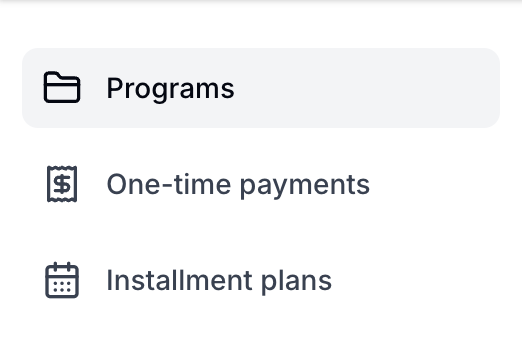
Select Instalment Plans from the options listed on the left of your screen.
Select Create installment plan in the top right corner

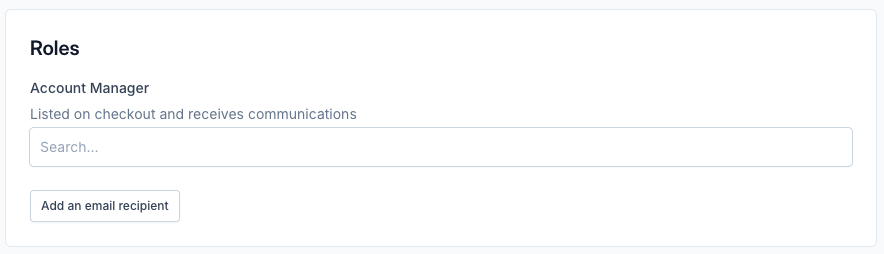
Select the account manager - this is the person at your agency that will receive email notifications as payments are made.
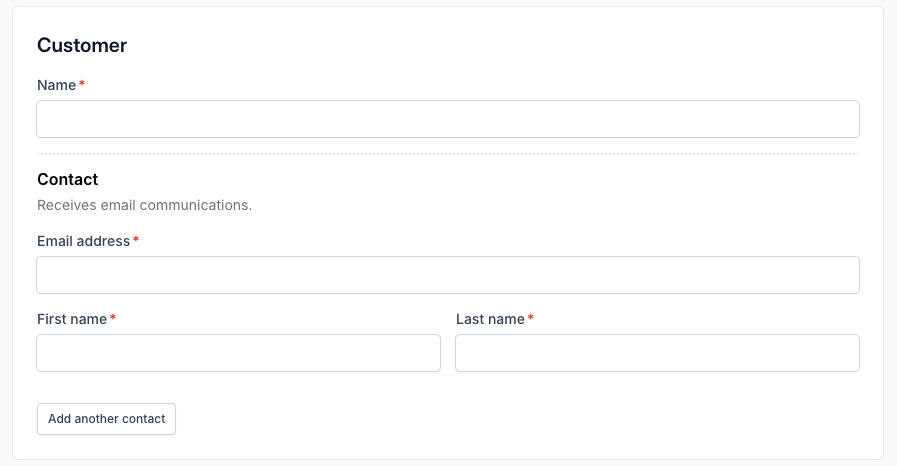
Enter the insured's contact information.
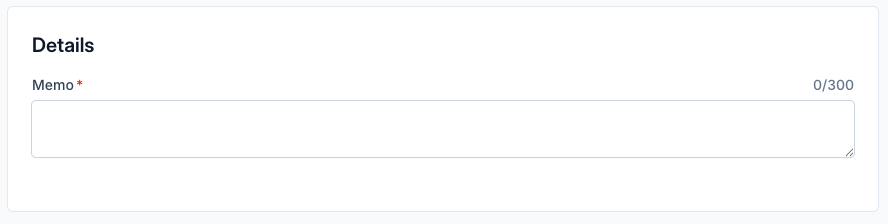
You can use the "Memo" field to list the policy/policies that are included in the installment plan
Enter the amount and due date for the first payment. By default, all funds will be sent to your agency's operational account. If you want Ascend to pay the carrier/wholesaler, click the box that says "Add an account" and select the billing company.
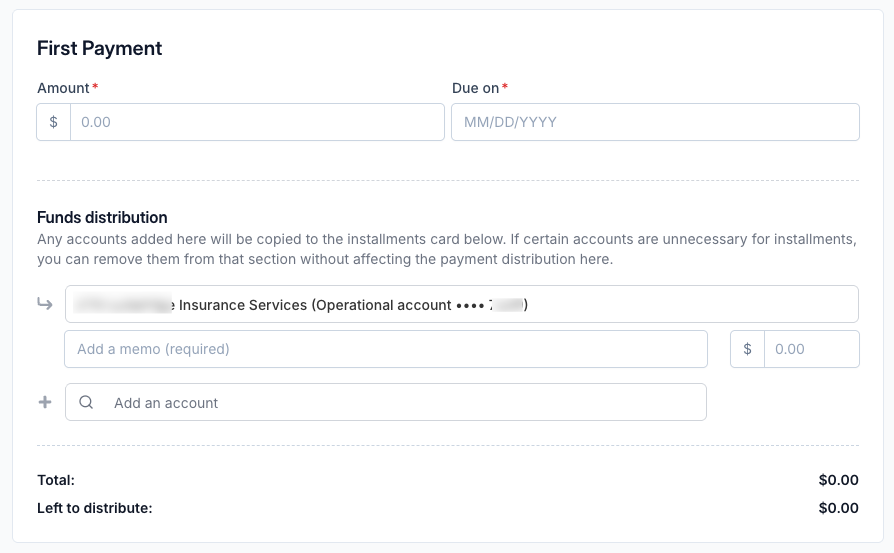
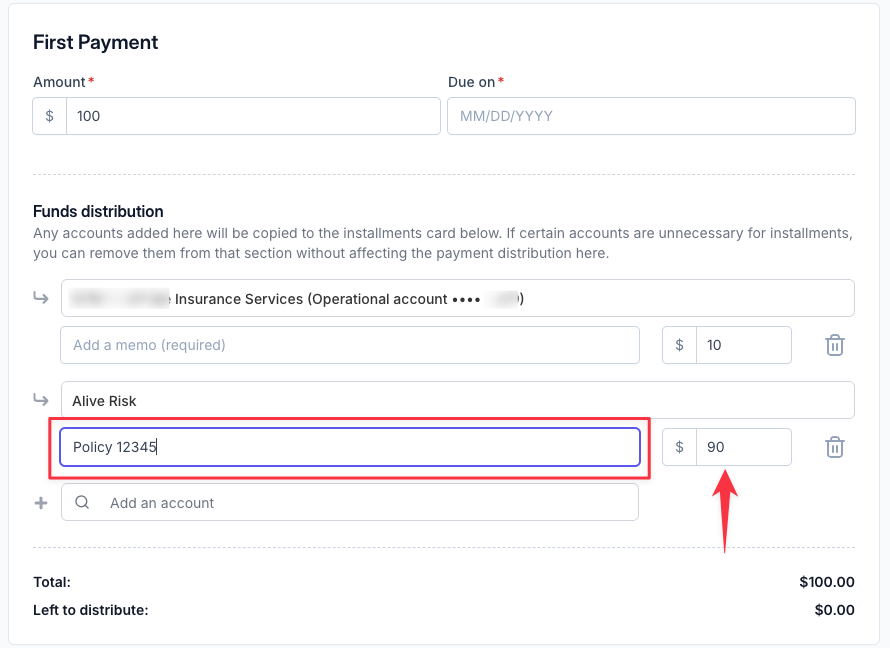
If you select a billing company for Ascend to send funds to, ensure the policy number is included in the highlighted memo field below (this is what is included in remittance advice sent by Ascend) and that the amount is the correct amount due
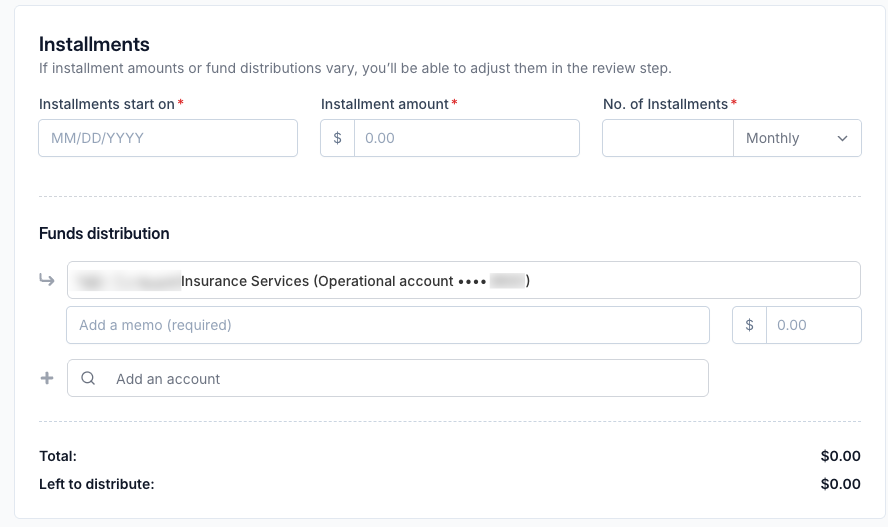
Follow the same process to create the remaining installments. You can create up to 15 installments after the first payment.
Click Review payment, which will allow you to edit each installment individually before the installment plan is created

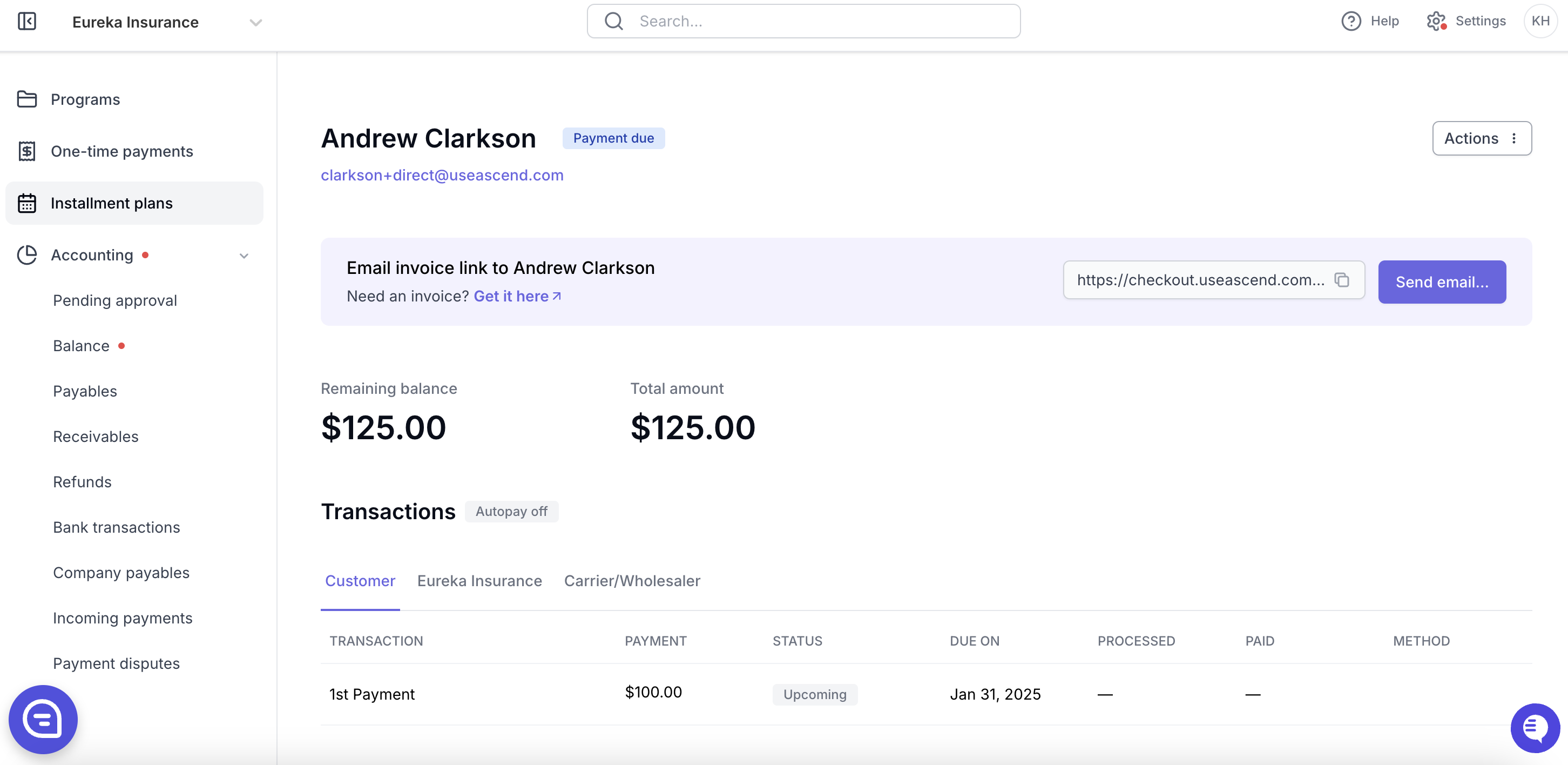
Once the installment plan is created, you can trigger email reminders to the insured. Once the first installment is paid, the remaining installment invoices will be generated in the system.
Subscription Invoice Timeline
⚠ The payment timeline is affected by your client's payment method. ACH payments take 3-5 business days to process; credit cards process instantly.
For the shortest possible invoice timeline, please have your client pay via Credit Card.
Day 0: Client's payment clears to Ascend
Day 1: Ascend will initiate ACH transfer of funds to the designated recipient.
Day 2: Funds will clear to the designated recipient.
⚠ Please keep in mind that if your client pays via ACH, this timeline will be extended by the number of days it takes your client's payment to process fully, typically 3-5 business days.
Email Notifications for installment plans
Once you click "Start email campaign" the insured will receive four emails requesting payment for the installment plan over two weeks.
This cadence is customizable by following instructions here.
Your team can manually re-send the email as many times as necessary through our platform.
When the client has initiated payment, both the insured and the user who created the installment plan will receive an email notification of the processing payment.
Once the insured's payment is fully processed and clears to Ascend, both the insured and agency user will receive an email notification of the completed payment.
When Ascend transfers funds to the designated recipient, a remittance report will be sent to your team's accountants and any users subscribed to remittance report emails.
The client will receive email reminders for upcoming payments.
If Autopay is ON, the client will receive an email reminder 3 days before the payment method is charged
If Autopay is OFF, the client will receive an email reminder 20 days before due, as well as 7, 3, 2, and 1 day before due. If the customer pays before the due date, the email reminders will stop at that time.
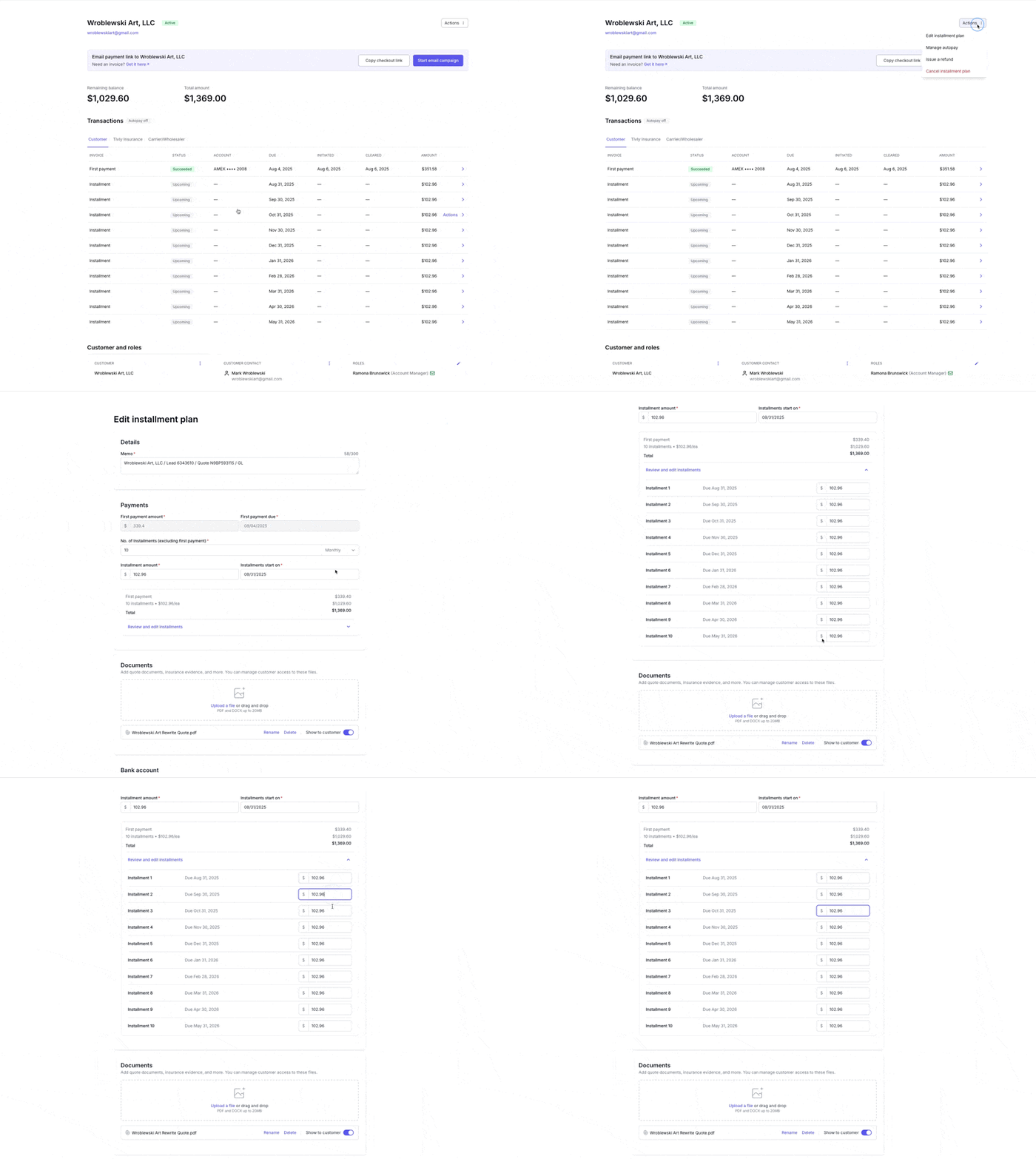
How to Edit an Installment Plan
Note that if an installment has already been paid, it is not editable
Click "Actions" then "Edit installment plan"
Click the purple text that says "Review and edit installments"
Future installment amounts can now be updated
Frequently Asked Questions
Can I create a single invoice?
Yes, that feature is called One-time payments.
What does the installment plan look like to my customer?
Your client will see a very similar experience to the existing checkout flow, where they enter their payment information and complete payment.
Can I refund an installment plan?
Yes, by selecting Refund in the top right corner of the page.
The refund amount cannot be greater than the amount paid.
Transaction fees are non-refundable.
Do installment plan payments show up on the Accounting page?
Yes, in the Receivables tab of the Accounting page. The Accounting page is only available to Admin and Accountant user types.
If my insured never paid the first installment, do future installment payment reminders get sent automatically?
No, the insured needs to pay the first installment in order to activate payment reminders on future installments
If my insured paid their overdue first installment and enabled auto-pay, do you auto-charge them for any overdue installments?
No, currently your insured will need to manually pay any overdue installments once payment for the first installment has cleared.
Contact Us
Need more help? Contact us at [email protected] for more help.