One-time payments Quick-Start Guide
Last updated: October 23, 2026
This is a guide that will teach you:
Overview
How to Create a one-time payment
One-time payment timeline
Email Notifications for One-time payments
Frequently Asked Questions
One-time payment overview
One-time payments are made from a client directly to your organization or other designated recipient. One-time payments cannot be financed, only Programs can be financed
How to Create a one-time payment
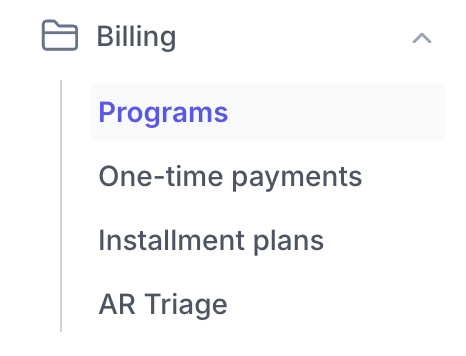
Select One-time payments from the navigation bar on the lefthand side of the dashboard
Click Create one-time payment
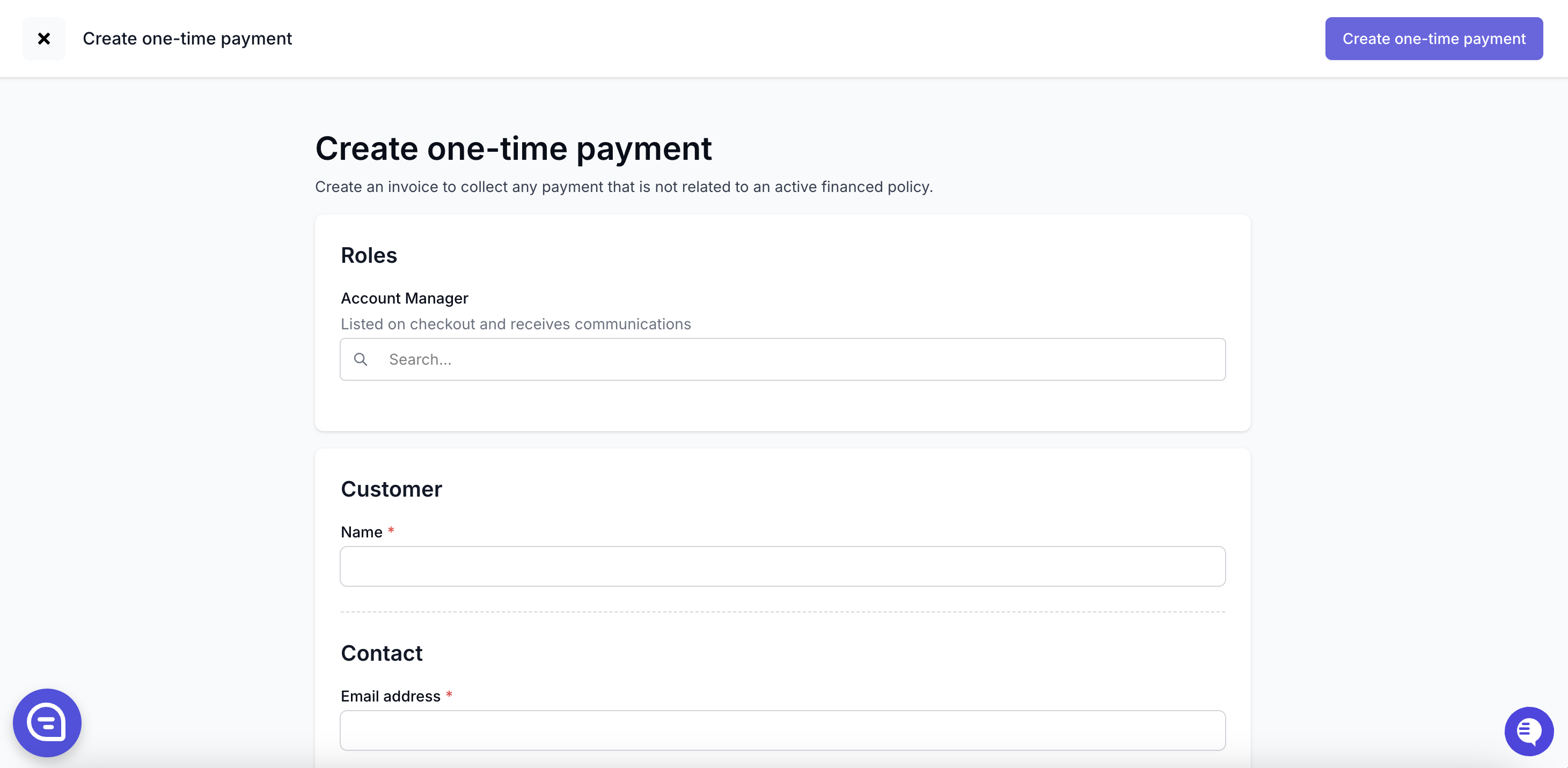
Fill out the invoice details and click Create one-time payment
After creation, send the payment link to your client by clicking Send email

Payables with One-time Payments
In addition to your bank account, any carrier or wholesaler can be selected as the recipient for one-time payouts under the Funds distribution tab in the Create one-time payment form
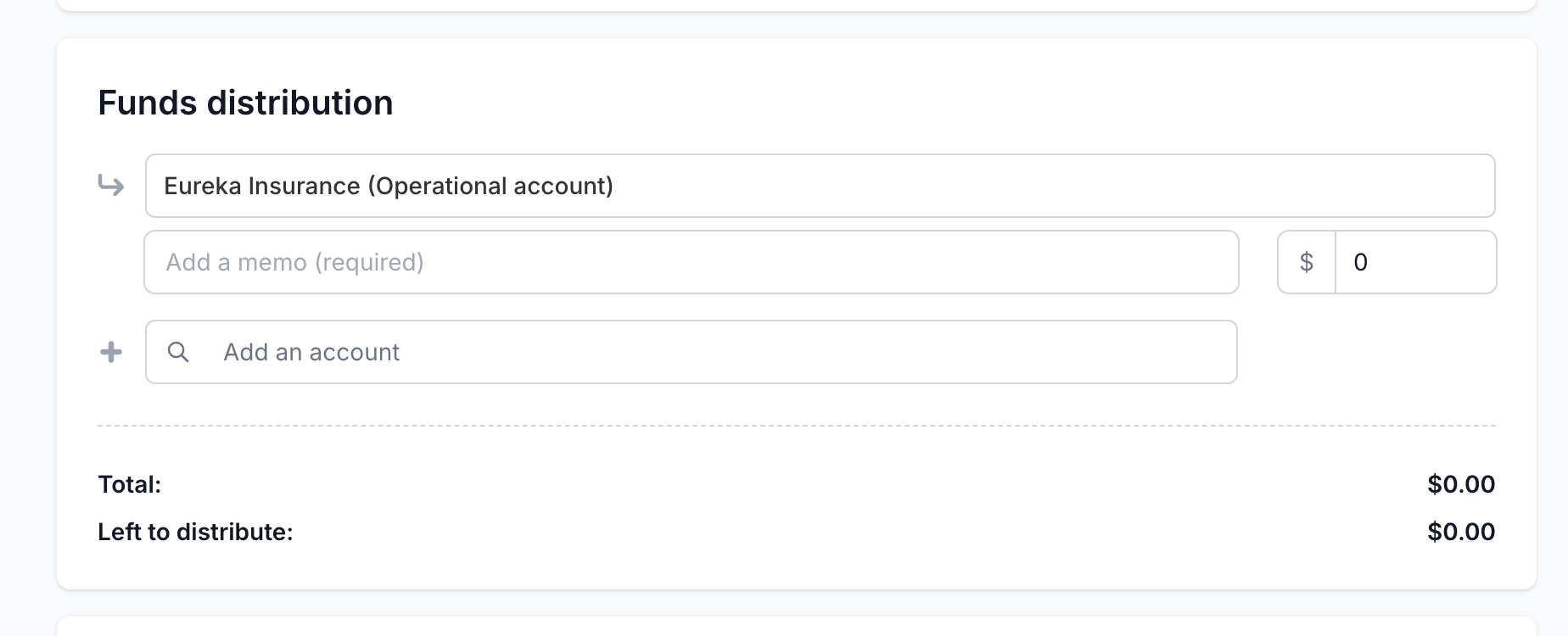
You will need to specify the amount that each party will receive, and to proceed, it must match the amount you entered under the Details section to charge your client.
One-time payments timeline
The payment timeline is affected by your client's payment method. ACH payments take 3-5 business days to process; credit cards process instantly.
Day 0: Client's payment clears to Ascend
Day 1: Ascend will initiate ACH transfer of funds to the designated recipient
Day 2: Funds will clear to the designated recipient
Please keep in mind, if your client pays via ACH this timeline will be extended by the number of days it takes your client's payment to fully process, typically 3-5 business days. For the shortest possible invoice timeline, please have your client pay via Credit Card.
Email Notifications for one-time payments
Like with Programs, you can start an email campaign for one-time payments; the frequency is chosen in your settings
When the client has initiated payment via ACH transfer, both the client and user will receive an email notification of the processing payment
This email is not sent when the client pays via Credit Card.
Once the client's payment is fully processed and clears to Ascend, both the client and user will receive an email notification of the completed payment
When Ascend transfers funds to your organization, the admin and accountant users will receive an email notification of the inbound funds.
Frequently Asked Questions
Can I create a recurring one-time payment?
Yes, that feature is called Installment Plans, and is available as a part of Ascend+
What does the one-time payment look like to my customer?
Your client will see a very similar experience to the program checkout flow, where they enter their payment information and complete payment. Premium financing is not offered on one-time payments and can only be offered by creating a program.
Can I refund a one-time payment?
Yes, you can refund a one-time payment by select Refund in the top right corner.
The refund amount cannot be greater than the amount paid.
Transaction fees are non-refundable by our system, but your agency can choose to send that amount to your client if you wish.
Do one-time payments show up on the Accounting page?
Yes, in the Receivables tab of the Accounting page. The Accounting page is only available to Admin and Accountant user types.
Contact Us
Need more help? Contact us at [email protected] for more help.